
Mobile App: How to Log In
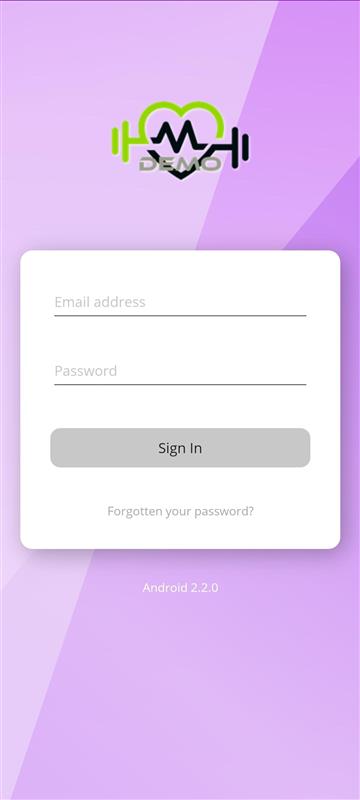
How to Log In
Members can access their account quickly and easily through the mobile app. Logging in allows them to view their sessions, credits, progress, and all other features linked to their gym membership.
Logging In to the App
To log in, the member should:
- Open the mobile app on their device.
- Enter the email address they originally signed up with.
- Enter their password.
- Tap the Sign In button.
Once submitted, the system will recognise the member’s email address and password and automatically log them into the gym account they are associated with.
If the details are correct, the member will be taken straight to their Dashboard.