
Mobile App: What to Do if You’ve Forgotten Your Password
What to Do if You’ve Forgotten Your Password
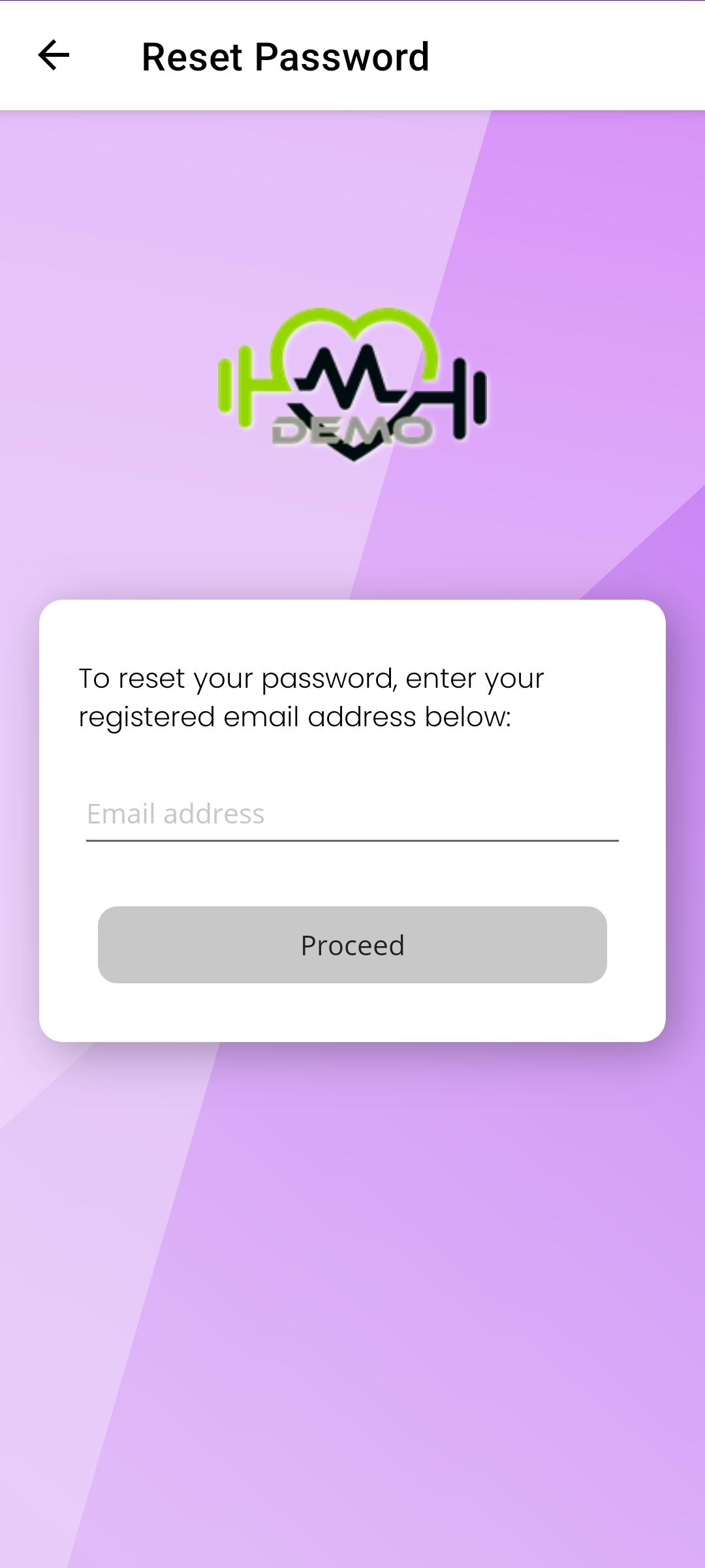
If a member is unable to log in because they have forgotten their password, it can be reset quickly and securely from the login screen.
To reset a password, the member should follow these steps:
- On the login screen, tap Forgotten your password?
- Enter the email address used to log in to the app.
- Submit the request.
An email will then be sent to the provided email address. This email contains a secure link.
- Tap the link in the email.
- Enter a new password.
- Re-enter the new password to confirm the change.
Once the password has been successfully updated, the member can return to the app and log in using the new password.