Managing closures & gym holidays
Within GymOS, you may specify periods of closure for your venue(s). GymOS will automatically skip scheduling sessions for these dates.
You may access your closures list by selecting Closures from the Settings section of the main navigation menu. The list of existing future closures you have configured will be displayed.
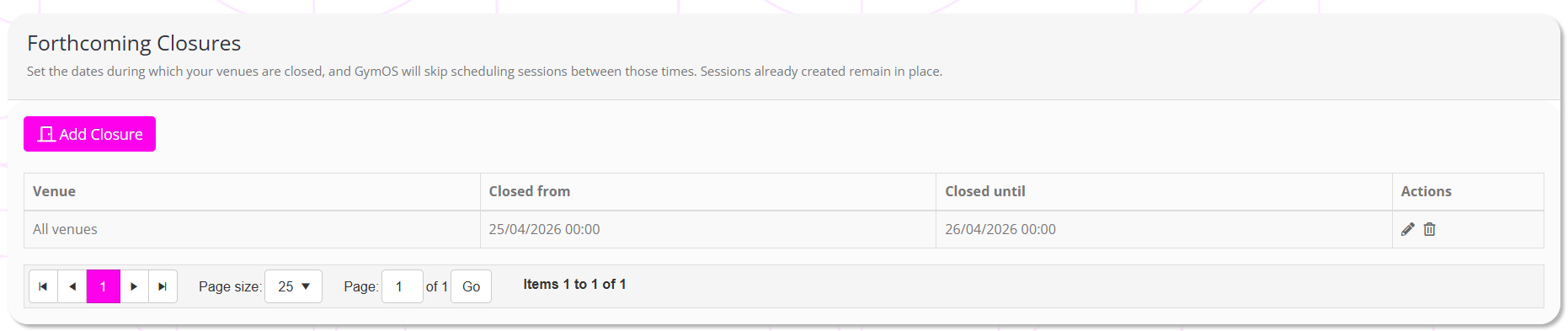
Adding a new closure
To add a new closure, click the Add Closure button.

Select the venue that will be closed, and enter the from and to dates. You may specify times if you wish, but just providing a date will assume the entire day.
Click to save your closure, or to abort.
Editing or deleting a closure
You may edit an existing closure record by clicking the icon next to the closure. Yoy may delete the record by clicking .