
Mobile App: Access Control
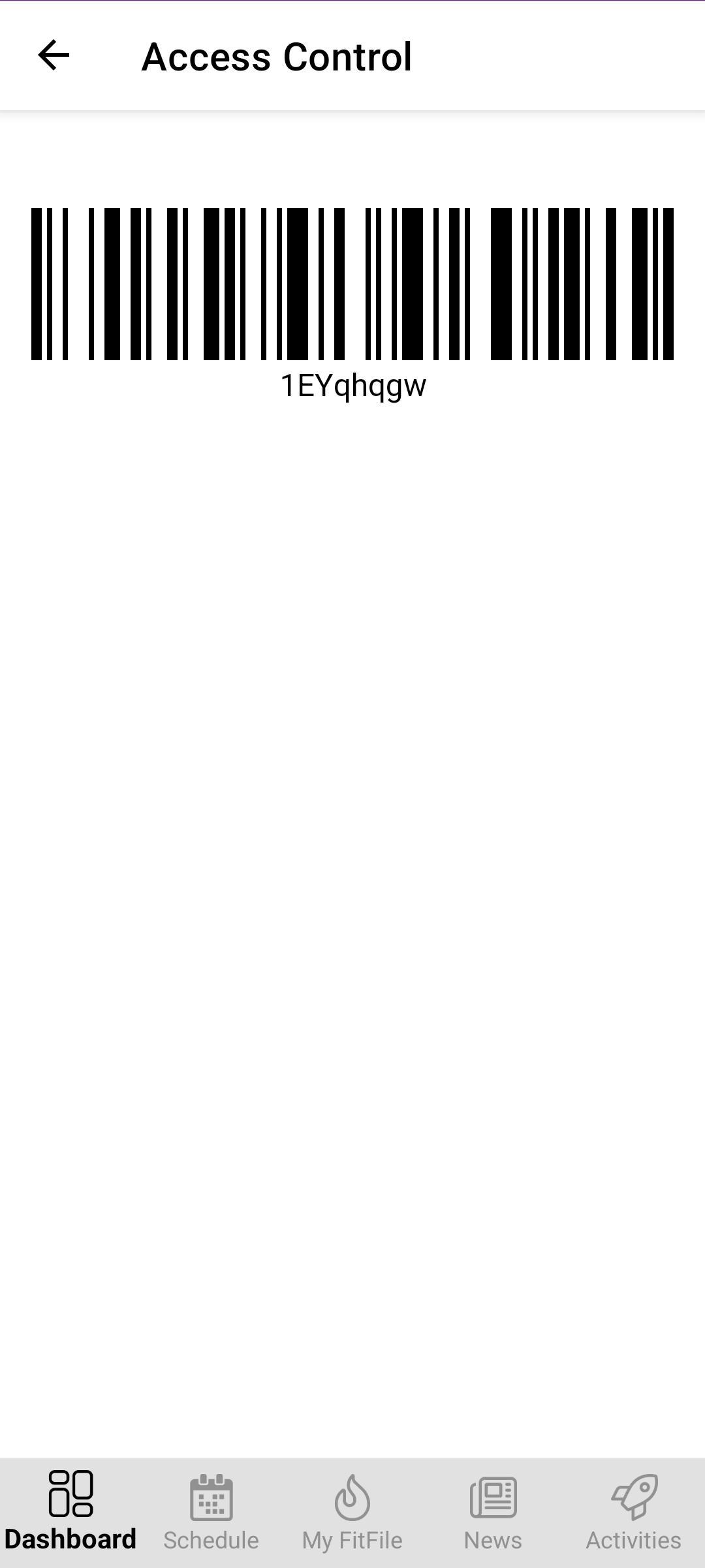
Access Control Barcode
The Access Control Barcode provides members with a quick and convenient way to access the gym and check in to sessions using the app.
Accessing the Barcode
The barcode can be accessed at any time by tapping the barcode icon from the dashboard screen located in the top-right corner of the app.
Once opened, a personalised barcode will be displayed on the screen.
Using the Access Control Barcode
The barcode can be used for two purposes:
- Facility Access
If the gym uses a barcode scanner for entry, the member can scan their barcode to gain access to the facility. - Session Check-In
The barcode can also be scanned at the gym to check the member into a booked session using the gym’s kiosk, if one is in use.
This feature helps streamline both entry and session attendance.