
Mobile App: Employee Session Allocations
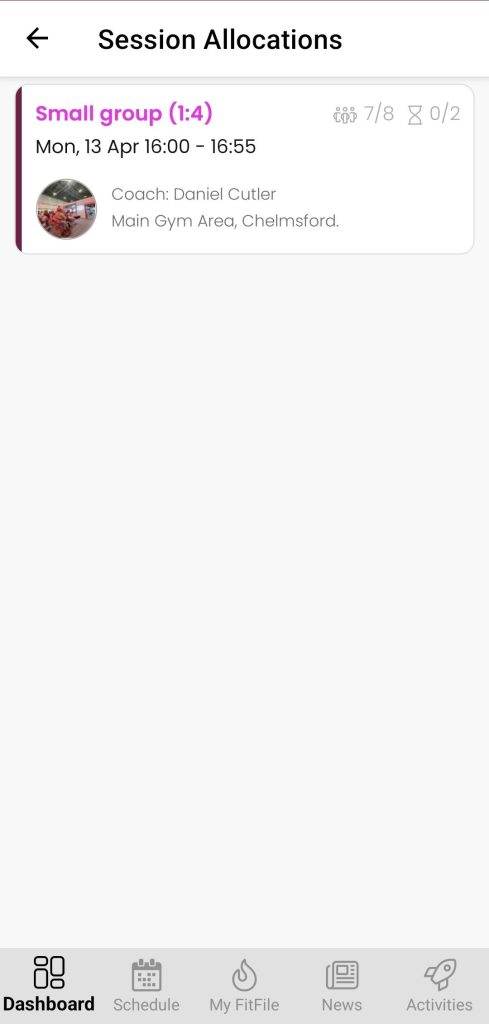
The Session Allocations feature allows employees to view the sessions they have been assigned to coach, helping them keep track of their upcoming schedule.
Accessing Session Allocations
To view allocated sessions:
- From the Dashboard, tap on the cog icon in the top-right corner.
- Select My Account.
- Tap on Session Allocations at the top of the screen.
This will take the employee to the Session Allocations screen.
Viewing Allocated Sessions
On this screen, the employee will see a list of any sessions they have been allocated to coach over the next 7 days.
This provides a clear overview of upcoming coaching commitments.
Viewing Session Details
If the employee taps on a session, they will be taken to the session information screen.
From here, they can view further details about the session and carry out a roll call.