
Mobile App: News Feed
Viewing News Articles
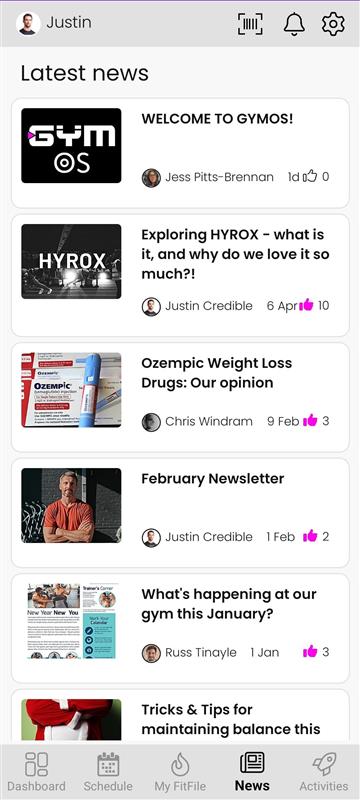
The News tab allows members to stay up to date with the latest announcements, updates, and posts shared by the gym. This tab can be accessed from the bottom navigation bar of the app.
Accessing the News Feed
When the member taps the News icon , they are taken to a page displaying all news articles published by the gym. Articles are presented in a list format, allowing the member to scroll through and view any updates that interest them.
Reading an Article
To read an article in full, the member just needs to tap on the article. This will open the full post, where they can view all content included by the gym.
Liking an Article
Next to each article is a thumbs-up icon . If the member wishes to show appreciation for a post, they can simply tap the thumbs-up icon to like it.