
Mobile App: Refer a Friend
Refer a friend
The Refer a Friend feature allows members to quickly and easily refer someone they know to the gym. This option is accessible directly from the Dashboard, where the refer a friend button is displayed beneath the weekly overview.
How it works
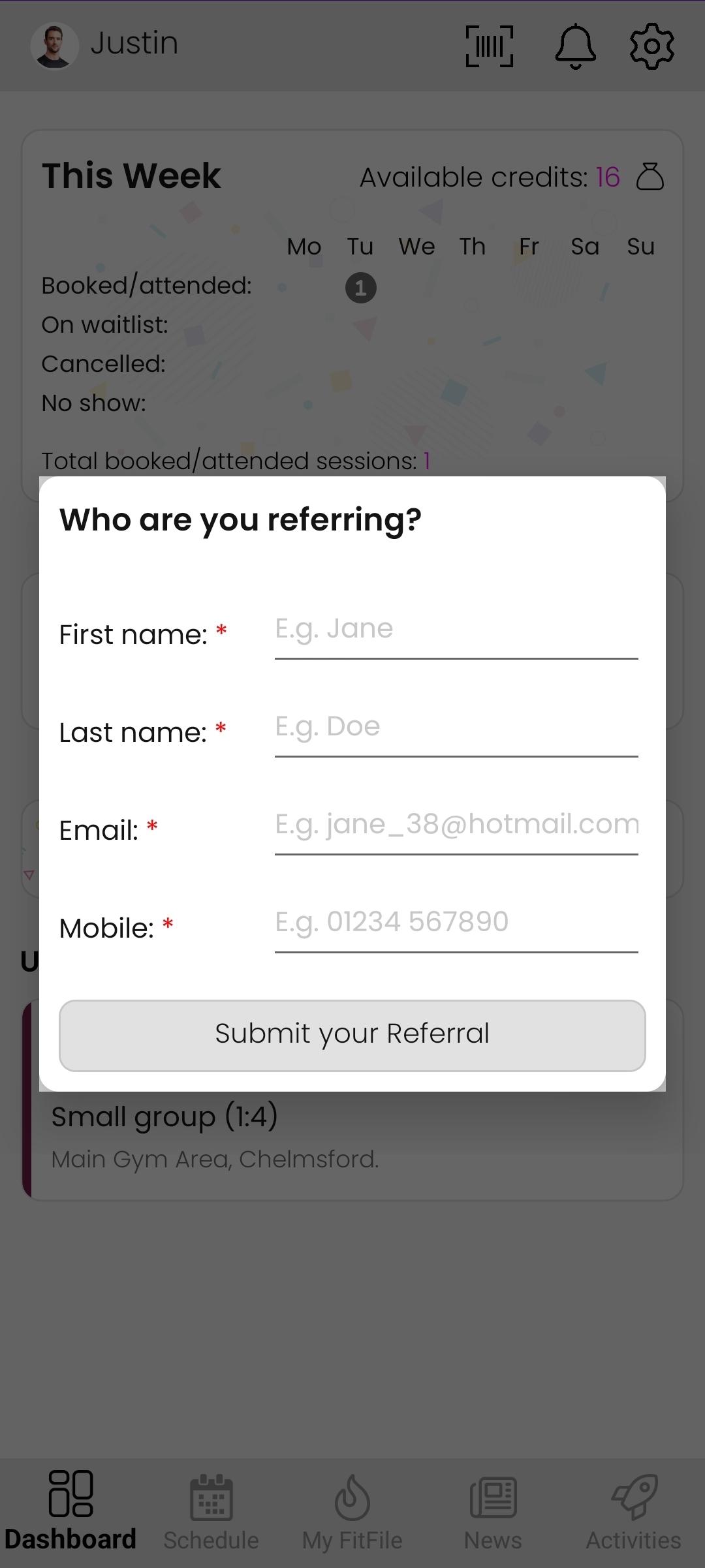
When the member taps the Refer a friend button, a short referral form appears on the screen. This form prompts the member to enter the following details about the person they wish to refer:
- First Name
- Last Name
- Email address
- Mobile number
All fields are required to ensure the gym has the correct contact information for the referral.
Once the member completes the form and selects Submit your Referral, the details are sent directly to the gym. The gym owners or team members are then notified of the new referral and can follow up as needed.