
Mobile App: Adding a Direct Debit
How to Set Up a Direct Debit
Members can set up a Direct Debit through the mobile app to ensure their membership fees are collected automatically and securely each month.
Setting Up a Direct Debit
To set up a Direct Debit, the member should follow these steps:
- From the Dashboard, tap the cog icon in the top-right corner.
- Select My Account from the menu.
- On the My Account screen, scroll to the bottom of the list.
- Tap the Setup a Direct Debit option.
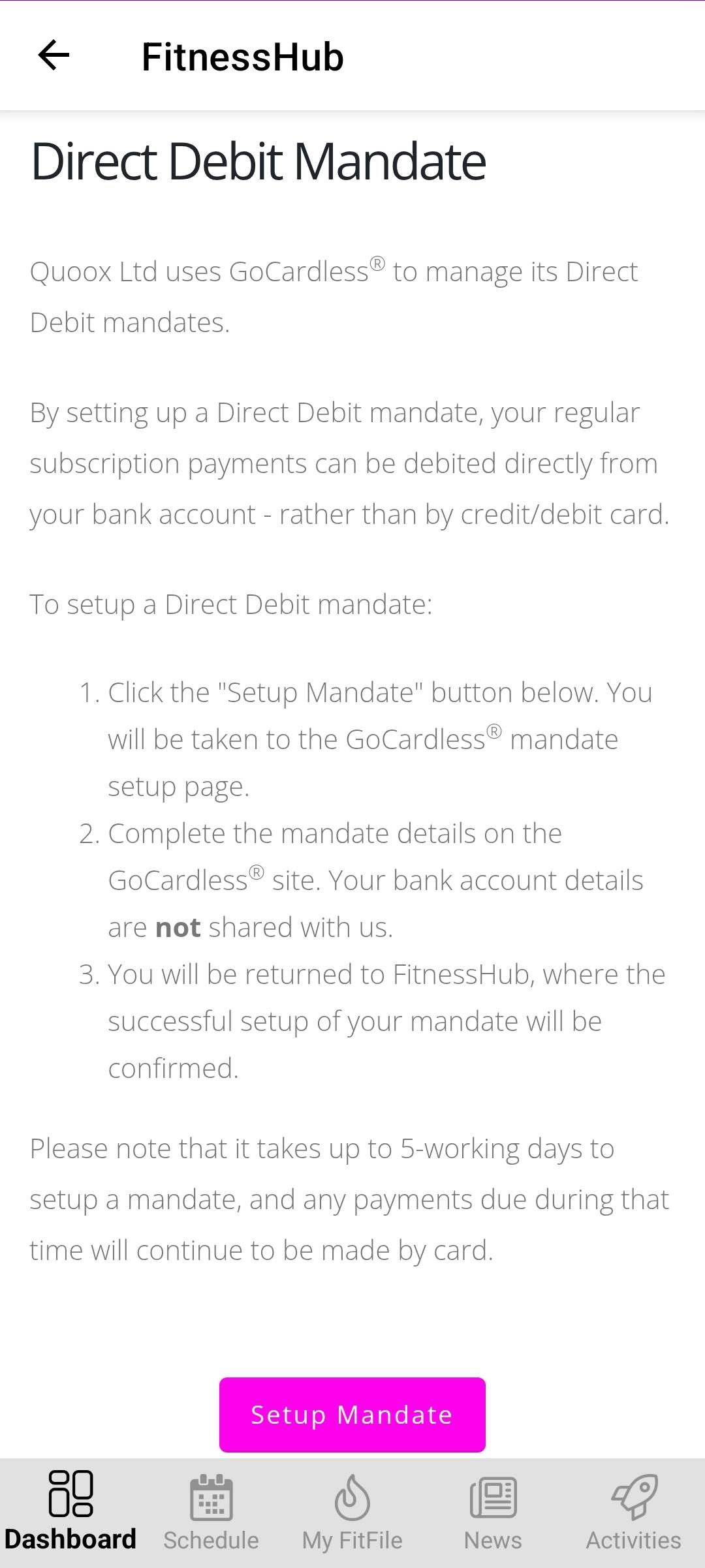
- The member will then be taken to a screen containing basic instructions about completing the Direct Debit setup.
- At the bottom of this page, tap the Setup Mandate button.
- The member will then be redirected to a secure form where they must provide the required bank details to complete the mandate.
Once submitted, the Direct Debit will be set up and ready to use for future membership payments.