
FitnessHub: BodyHop™
The BodyHop™ feature allows members to visually track their progress over time by uploading front, side and back photos.
Accessing BodyHop™
BodyHop™ can be accessed in two ways:
Option 1: From My FITFile tiles
- Select BodyHop™ from the My FITFile tiles.
Option 2: From the navigation menu
- Hover over My FITFile in the main navigation menu.
- Select BodyHop™
The member will then be taken to the Bodyhop™ screen.
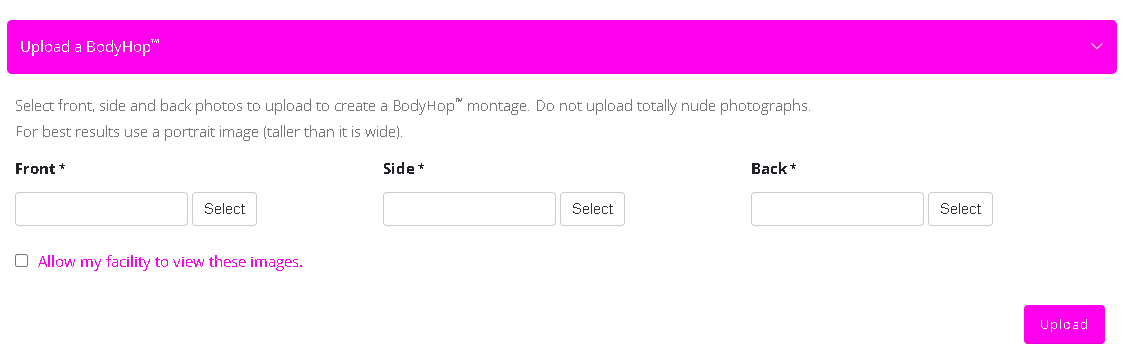
Uploading a Bodyhop™
To upload a new Bodyhop™ entry:
- Click Upload a BodyHop™
- Upload the required images: Front, side, and back.
Each image will be uploaded by clicking the Select button and choosing the relevant photo from the device files. All three images should be provided. - (Optional) Tick: Allow my facility to view these images if the member wants their coaches to be able to see the photos.
- Click Upload.
Once uploaded, the images will appear on the BodyHop™ screen along with the date of upload.