
FitnessHub: My Documents
The My Documents section allows members to view and manage documents that have been shared between themselves and the gym. This includes documents uploaded by the member as well as documents assigned to them by the gym.
Accessing My Documents
Members can access My Documents in two ways:
Option 1: From the navigation menu
- Click Documents in the navigation menu.
Option 2: From the dropdown menu
- Hover over Documents in the navigation menu.
- Select My Documents.
The member will then be taken to the My Documents screen.
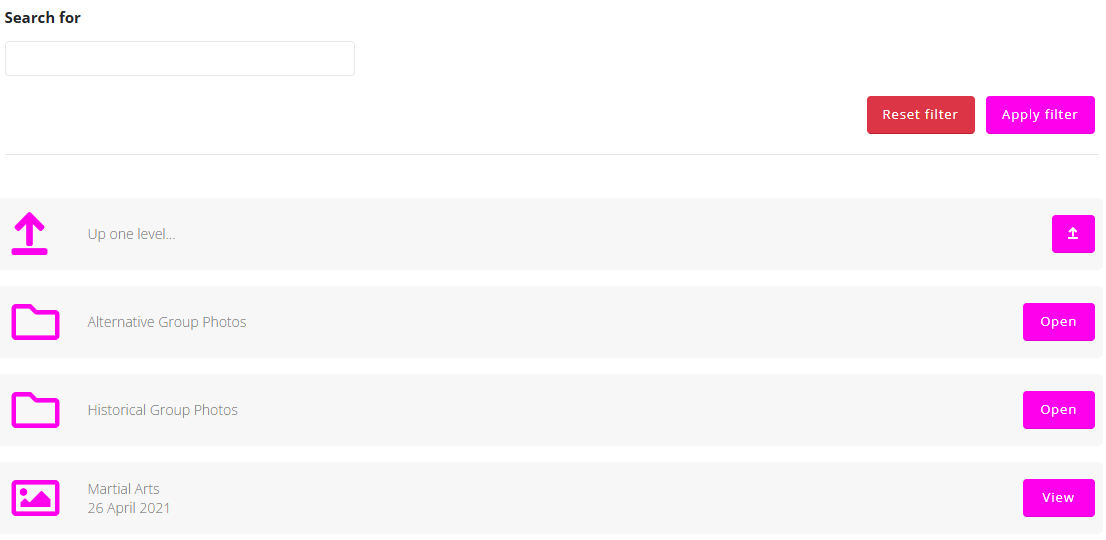
Using the Filter
A filter is available at the top of the screen to help locate specific files or folders.
The filter includes a text search field where the member can enter the name or part of the name of a document or folder.
- Click Apply Filter to search for matching results.
- Click Reset Filter to clear the search criteria.
Viewing Documents and Folders
On the My Documents screen, the member will see:
- Any folders that have been shared with the gym or assigned to the member
- Any documents that have been uploaded by the member or shared by the gym
Folders can be opened by clicking the Open button next to the folder.
Documents can be viewed by clicking the View button next to the document.