
Creating an In-Person FreeForm session
To create a new In-Person FreeForm session, select Add a new “In-Person FreeForm” Session option from the Actions button.
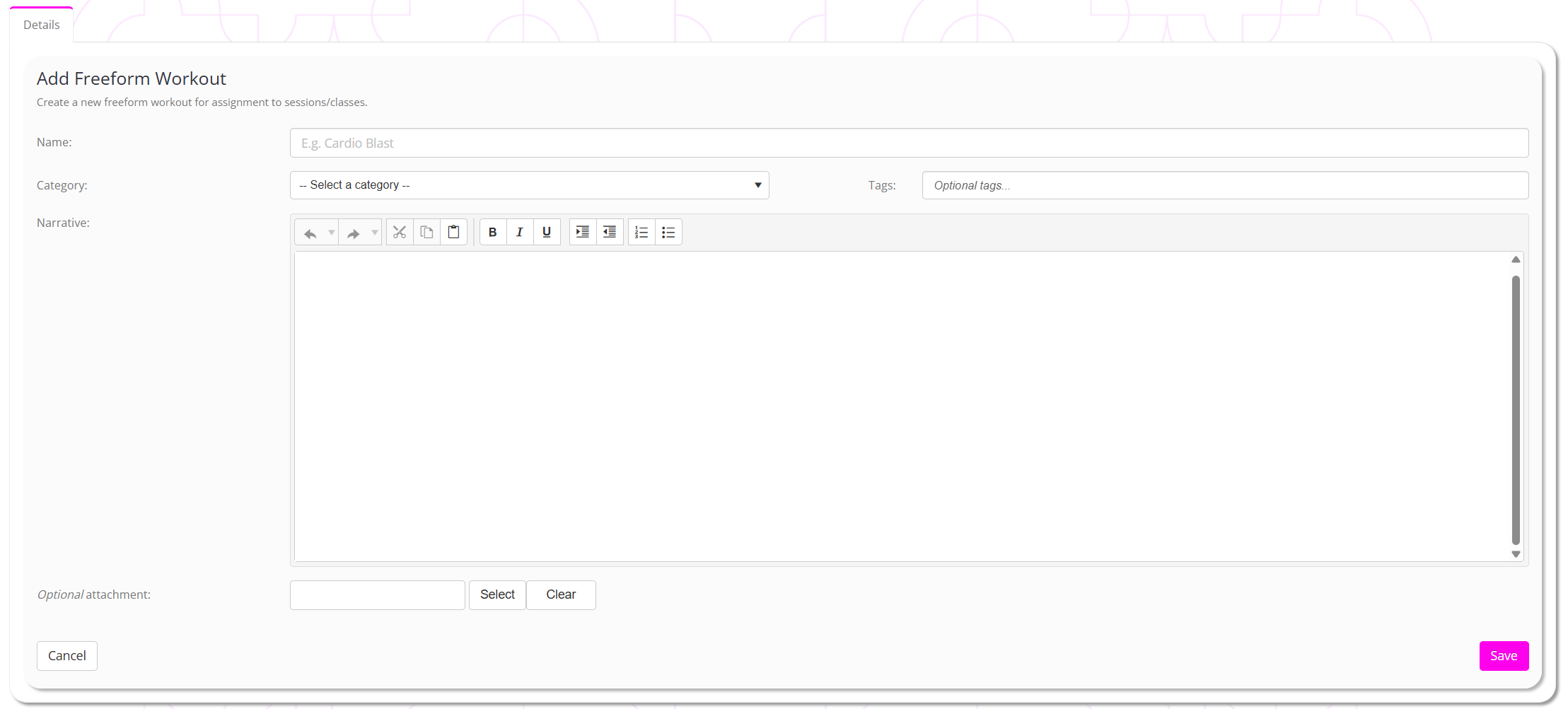
- Provide a meaningful name for your workout session.
- Provide a category for your session.
- Optionally enter tags to further classify your session.
- Provide your narrative within the text window. This may be structured however you wish. Be aware, in the GymOS FitnessHub mobile app, this will be displayed as regular text, as mobile apps do not support HTML text formatting.
- Optionally upload a corresponding document that will be made available to the session attendees.
To assign your workout to an in-person session, view the Assigning an XRcize session to an in-person session article.