Customising system messages
The GymOS system includes dozens of system messages sent to leads, members, and staff upon the occurrence of certain events. These range from session booking confirmations to payment link messages. By default, these are messages displayed within the standard email templates. You may customise the system messages as you wish, including creating them as attractive, immersive emails.
To manage the system messages, select the System Templates option in the Settings section of the main navigation menu.
The listing of system messages will be displayed, which may span multiple pages:
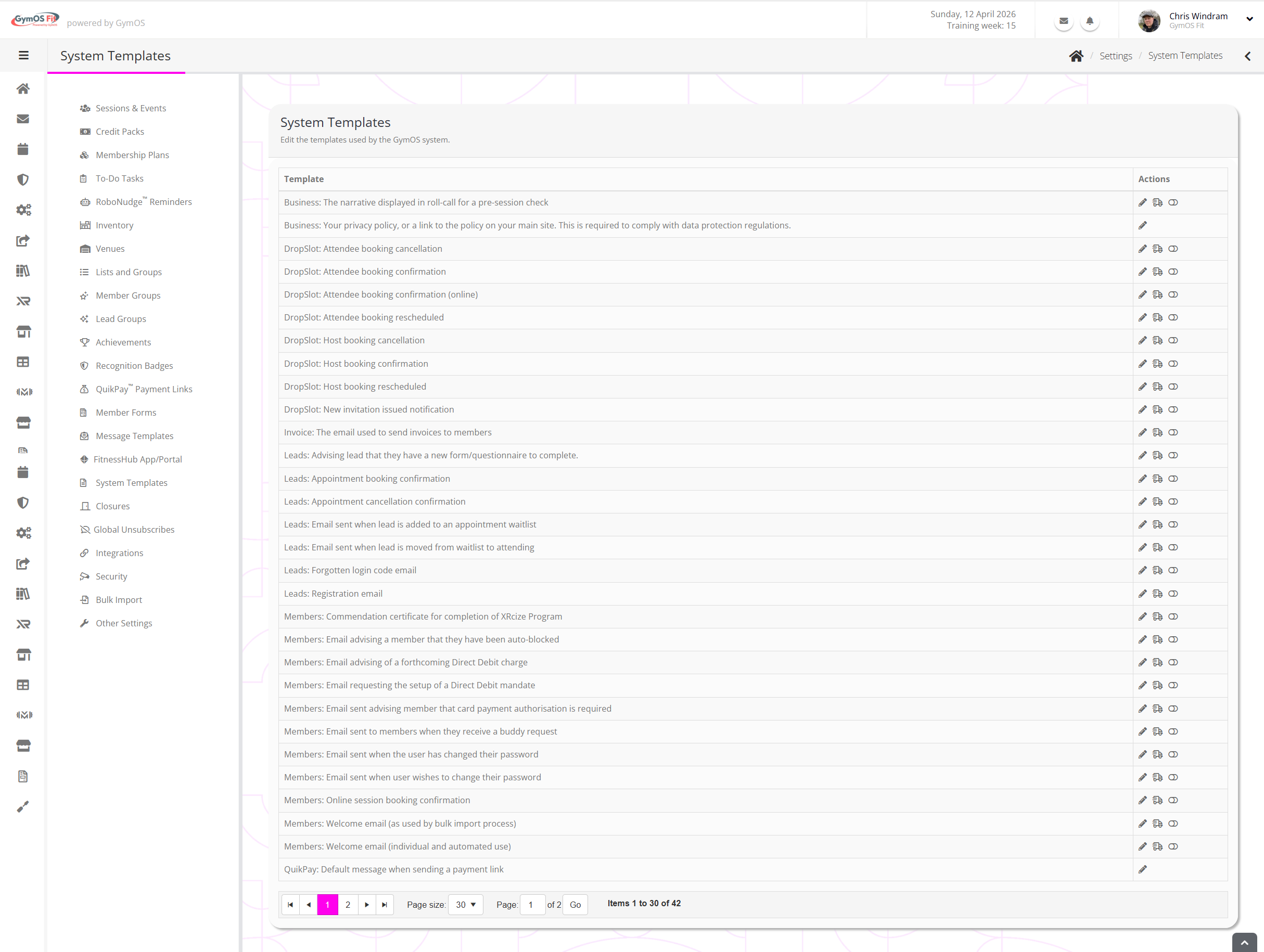
For each template, there is a description of its usage, plus options for:
- Edit the template
- Send yourself a test copy of the system message
- Switch the message to an immersive template (indicated by )
Depending on its context, each system message will use system merge fields to customise content.