
My Profile
Within the GymOS administration portal, employees can update their own profile information. This is effectively updating their member record, so it can also be updated via the GymOS FitnessHub mobile app and within the FitnessHub Member Portal.
- Select My Profile option from the profile menu found at the top-right of the screen (click on your name). The profile edit screen will be displayed.
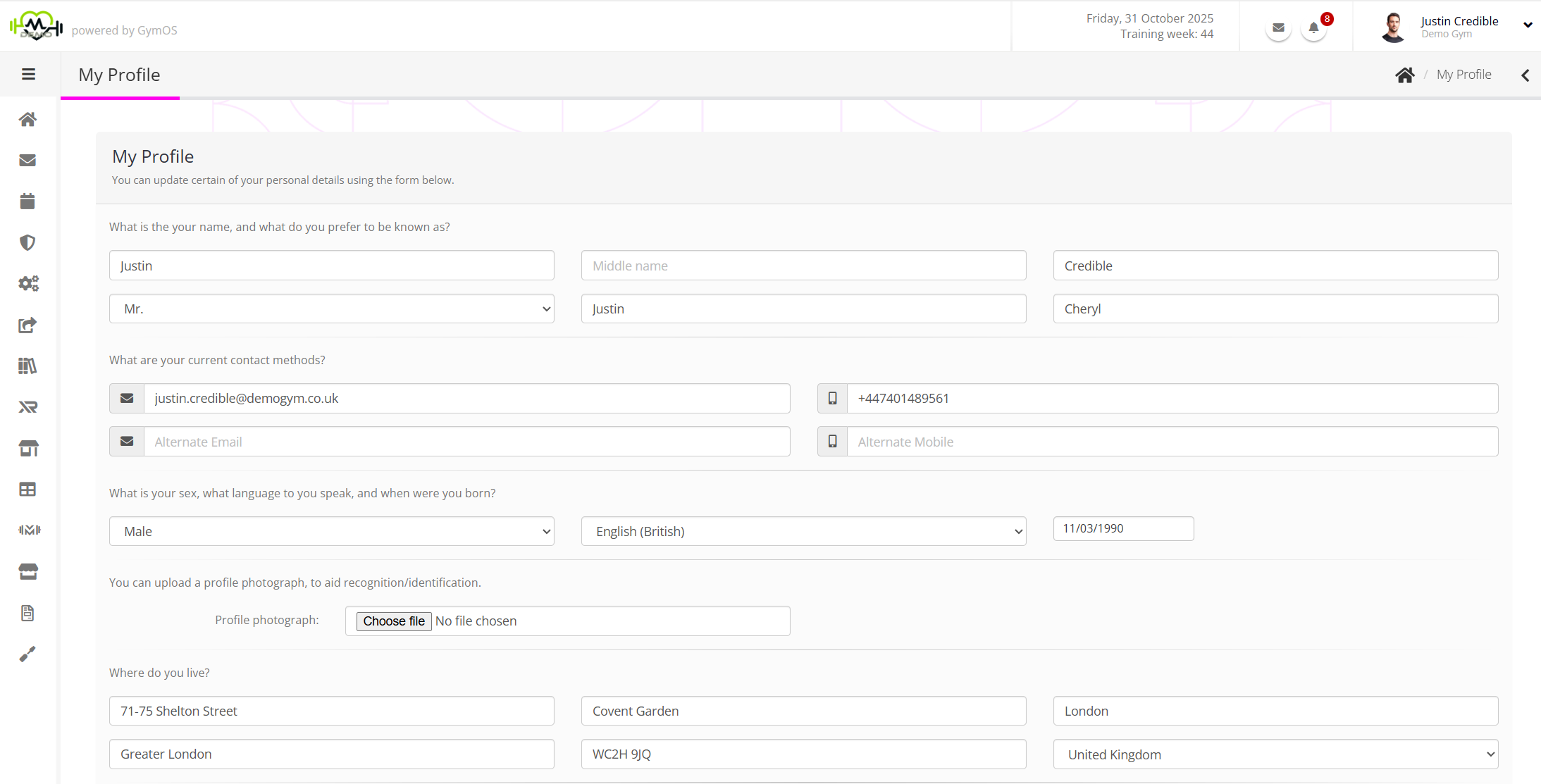
- Complete or update the fields as required.
Note: As an employee you must ensure that the email address and mobile numbers are filled in. - Click the button.