
Employee tab: Security
The Security tab is where you may restrict access to the GymOS system for a given employee’s account to one or more static IP addresses.
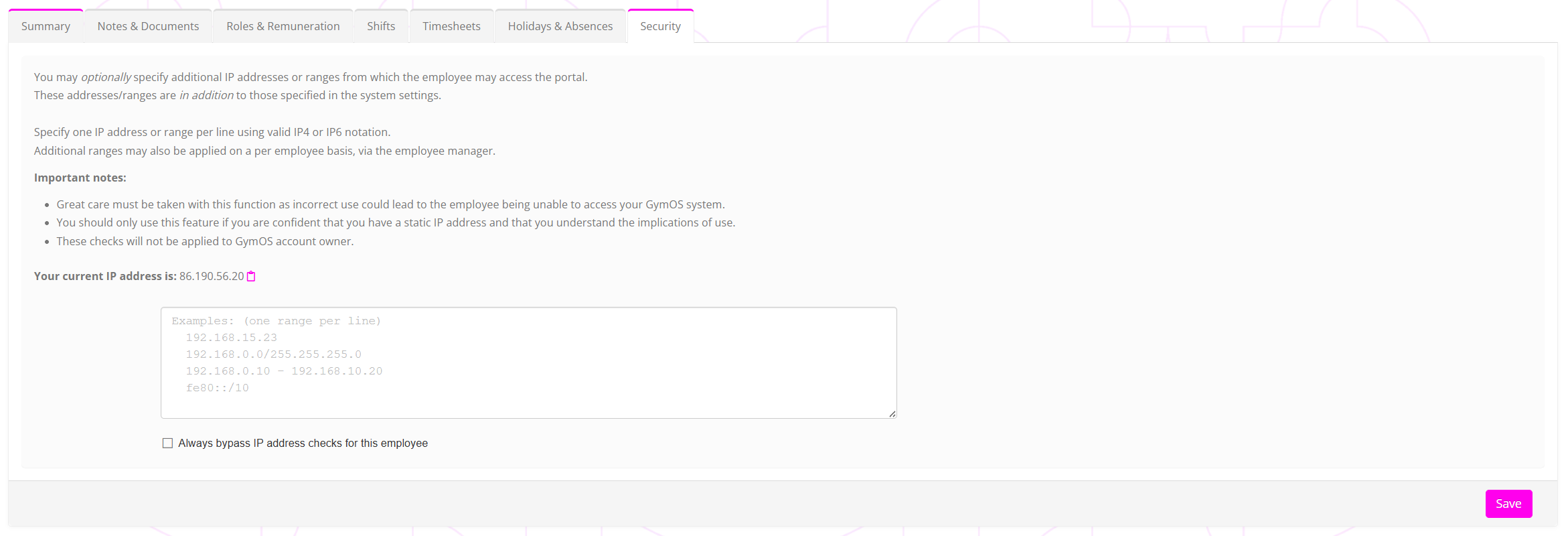

Note: IP checks are not performed for the primary account holder. This is to ensure that there is never a situation where the entire business is locked out of an account.
Where IP addresses or ranges are provided, the check is that the public IP address presented by the employee’s device to the GymOS system matches at least one entry in the permitted list and/or the system-wide Security settings.
IP addresses may be entered in one of several recognised/standard notation formats:
- A single IP address (IPv4 or IPv6). E.g. “86.132.121.111”
- An IPv4 range as denoted by a subnet mask. E.g. “86.132.121.0/255.255.255.0”
- A range as denoted by two single IP addresses. E.g. 86.132.121.1 – 86.132.121.10
- An IPv6 range as donated by a subnet mask. E.g. “fe80::/10”
Checking the Always bypass IP address checks for this employee will bypass all IP checks for this login, including system-wide checks configured in the system Security settings.