
Restricting portal access by IP address
It is possible to restrict access to the GymOS administration portal by IP address. This may be done at the system-wide or employee levels.

The system-wide security settings are accessed by selecting Security from the Settings section of the main menu.
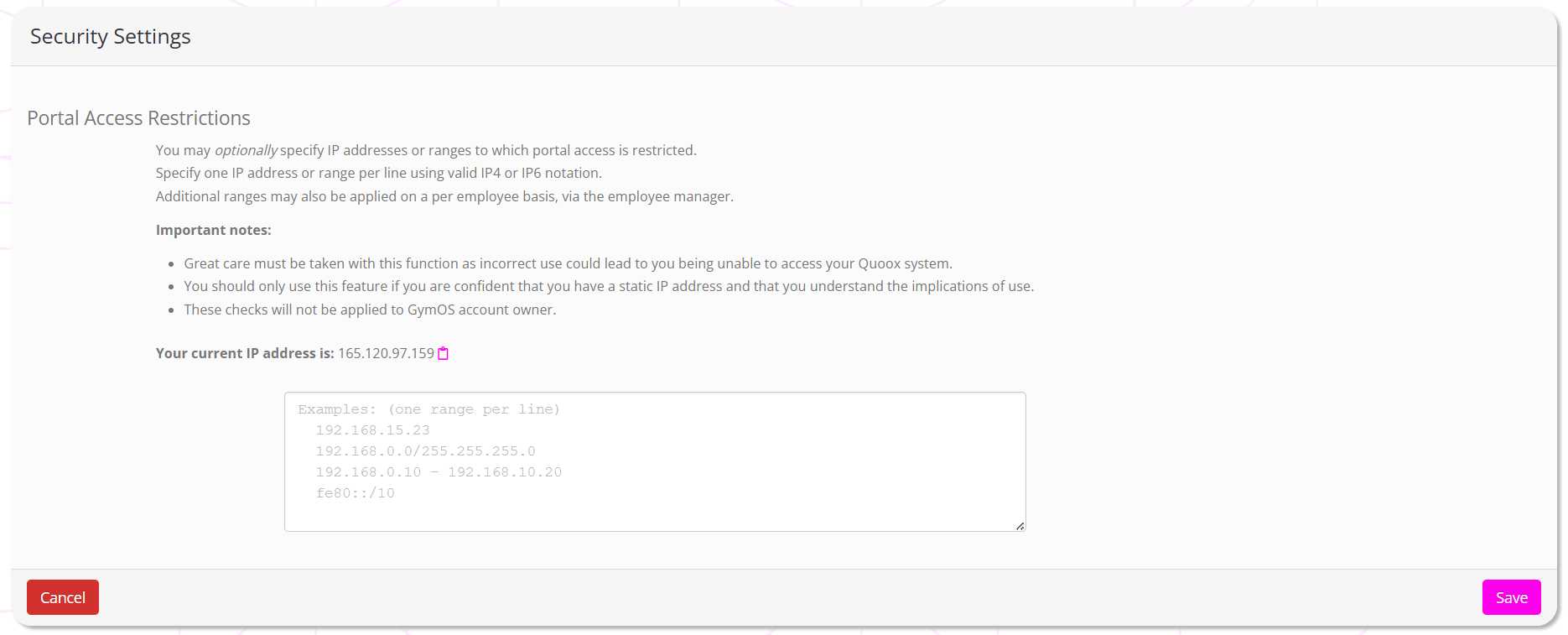
IP addresses may be entered in one of several recognised/standard notation formats:
- A single IP address (IPv4 or IPv6). E.g. “86.132.121.111”
- An IPv4 range as denoted by a subnet mask. E.g. “86.132.121.0/255.255.255.0”
- A range as denoted by two single IP addresses. E.g. 86.132.121.1 – 86.132.121.10
- An IPv6 range as donated by a subnet mask. E.g. “fe80::/10”
Click the Save button to commit your changes. Checks are performed upon login and take immediate effect.