
FitnessHub: Add a Direct Debit Mandate
Members can set up a Direct Debit mandate by hovering over My Account in the navigation menu and selecting Add a Direct Debit Mandate. This will take you to the Setup Mandate page, where you will see basic instructions for creating your Direct Debit.
Completing the Setup:
- Navigate to My Account and select Add a Direct Debit Mandate
- Review the instructions on the Setup Mandate page.
- Click the Setup Mandate button.
- You will be redirected to the GoCardless secure mandate setup page.
- Enter your bank account details and submit the form.
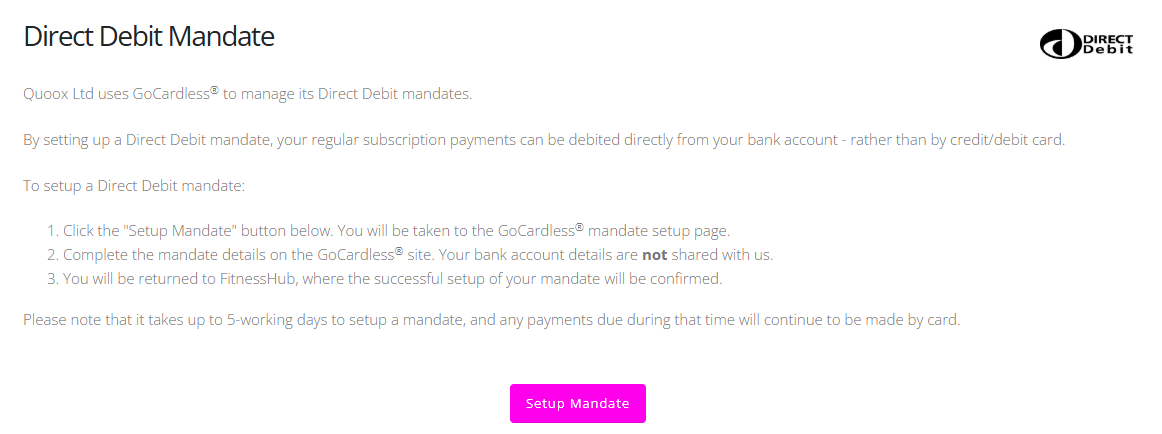
Please note that the Direct Debit mandate can take up to 5 working days to become active. Any payments due during this time will continue to be taken using your existing payment method.