
FitnessHub: Adding a Payment Card
Members can add a payment card in FitnessHub so that it can be used for future purchases and payments.
Accessing the Payment Card Screen
To add a payment card:
- Hover over My Account in the navigation menu.
- Select Add a payment card.
The member will then be taken to the payment card screen.
Viewing Existing Cards
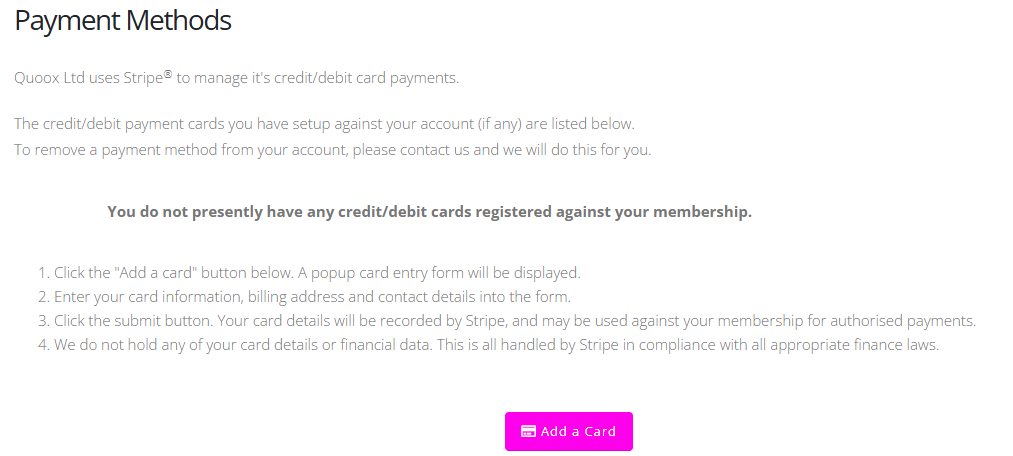
On this screen, the member will either see:
- Any existing payment cards already registered to their membership, or
- The message: “You do not presently have any credit/debit cards registered against your membership.”
The screen will also display brief instructions explaining how to add a payment card.
Adding a New Card
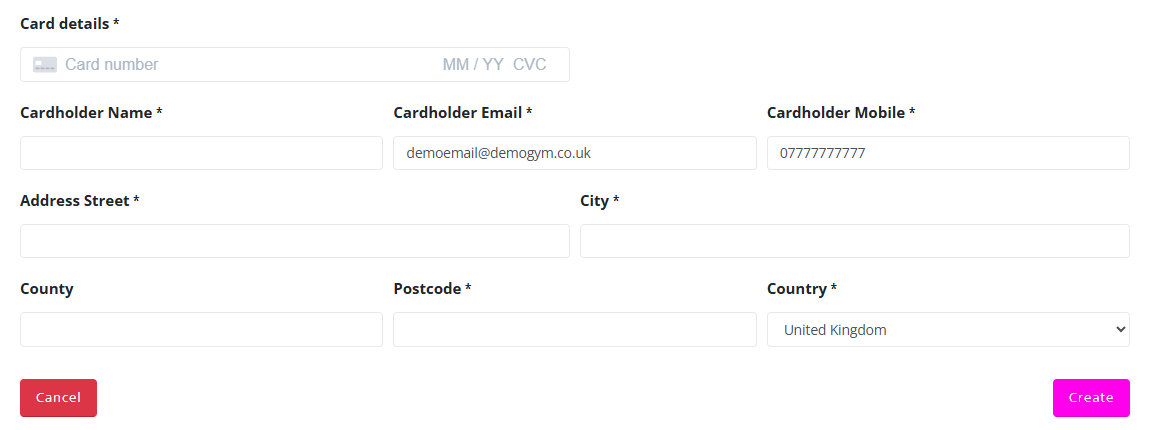
To add a new payment card:
- Click the Add a Payment Card button
- Enter the required card details
- Click Create to save the payment card
Once saved, the payment card will be available for future payments and purchases within FitnessHub.
To remove a payment card, please contact the facility that you train with.