
FitnessHub: My FITFile
The My FitFile section provides members with access to a range of tools designed to support their fitness journey. From tracking progress to accessing online content and completing forms, this area acts as a central hub for personal development and engagement.
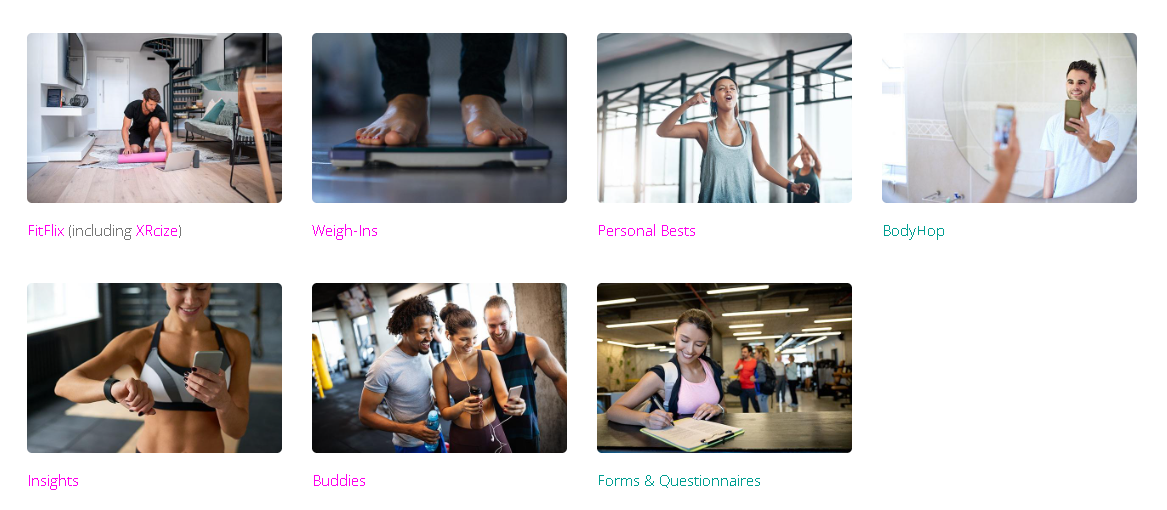
Accessing My FITFile
To access this section, the member should:
- Select My FITFile from the main navigation menu.
This will take the member to the main My FITFile page.
Alternatively, the member can hover over the “My FITFile” option in the navigation menu to view a dropdown list of available sections. This menu provides direct access to the individual areas within My FitFile without first opening the main overview page.
The dropdown menu also includes Weight and Progress, which allows the member to view a record of weights they have logged during sessions. This provides an overview of historical lifting data and supports ongoing performance tracking.
Available Sections
The My FITFile page displays several tiles, each linking to a different feature. These include:
- FitFlix (including XRcize) – Provides access to online videos and home workout content
- Weigh-Ins – Allows members to record and monitor weight tracking data over time.
- Personal Bests – Displays performance milestones and achievements recorded by the member.
- BodyHop – Allows the member to upload progress photos and share them with the gym if they wish to do so.
- Insights – Allows members to see MyZone and Fitbit metrics if devices are connected.
- Buddies – Allows members to view and manage their gym buddies.
- Forms & Questionnaires – Enables members to view and complete any forms or questionnaires assigned to them.
Each section can be accessed by clicking on the relevant tile.