
FitnessHub: Sessions Leaderboard
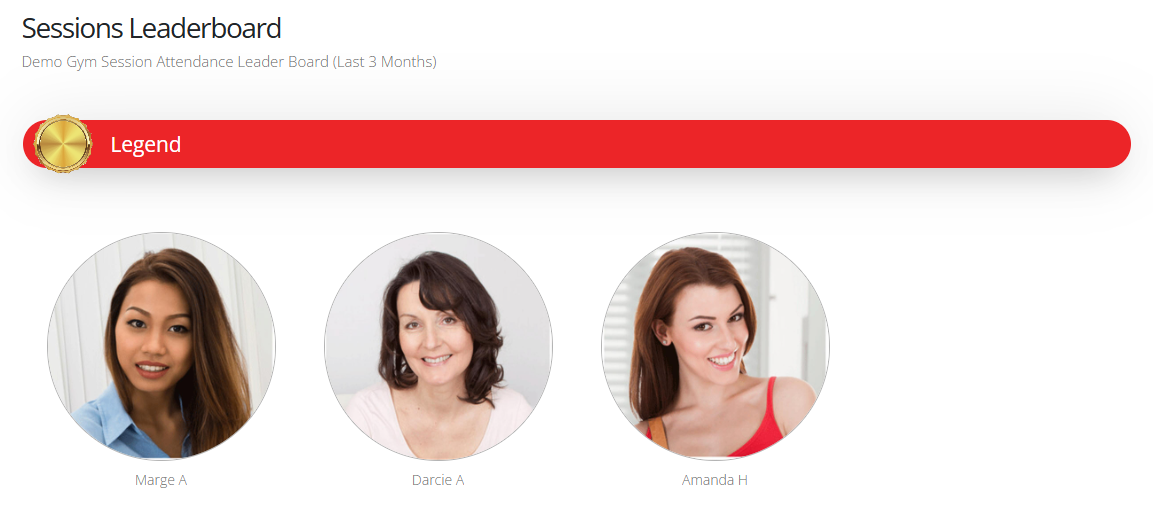
The Sessions Leaderboard allows members to see how their session attendance compares with other members in the gym. The leaderboard is organised into different levels based on the number of sessions attended.
Accessing the Sessions Leaderboard
To view the Sessions Leaderboard:
- Hover over My Fitfile in the navigation menu.
- Select Sessions Leaderboard.
The member will then be taken to the leaderboard page.
Understanding the Leaderboard
The leaderboard displays:
- Different attendance levels
- The members within each level
The members’ position on the leaderboard is determined by the number of sessions they have attended.
Moving up the Leaderboard
Members can move up the leaderboard by increasing their session attendance.
To improve their position, the member simply needs to:
- Book onto sessions
- Attend sessions regularly
As more sessions are attended, the member will progress through the leaderboard levels.