
GuestHub: How to Log In
Leads can log in to the GuestHub using one of two available methods.
Method 1: Logging in via Email Link
When a lead signs up, they will receive an email that includes a “Click Here” link.
To log in using this method:
- Open the email received after signing up.
- Click the “Click Here” link.
This will automatically log the lead into the GuestHub.
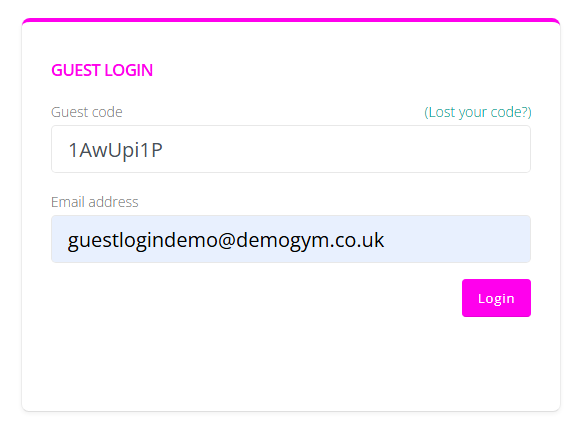
Method 2: Logging In Using a Guest Code
Leads can also log in manually using their guest code.
To do this:
- Hover over My Account in the navigation menu.
- Click Login.
- Enter the email address used to sign up.
- Enter the guest code provided in the email.
- Click to log in.
Once the correct details have been entered, the lead will be logged into the GuestHub.