
Member tab: Calls
The Calls tab is the Call Log for the selected member. On this page, you can schedule future calls with a member or record the details and outcome of completed calls.
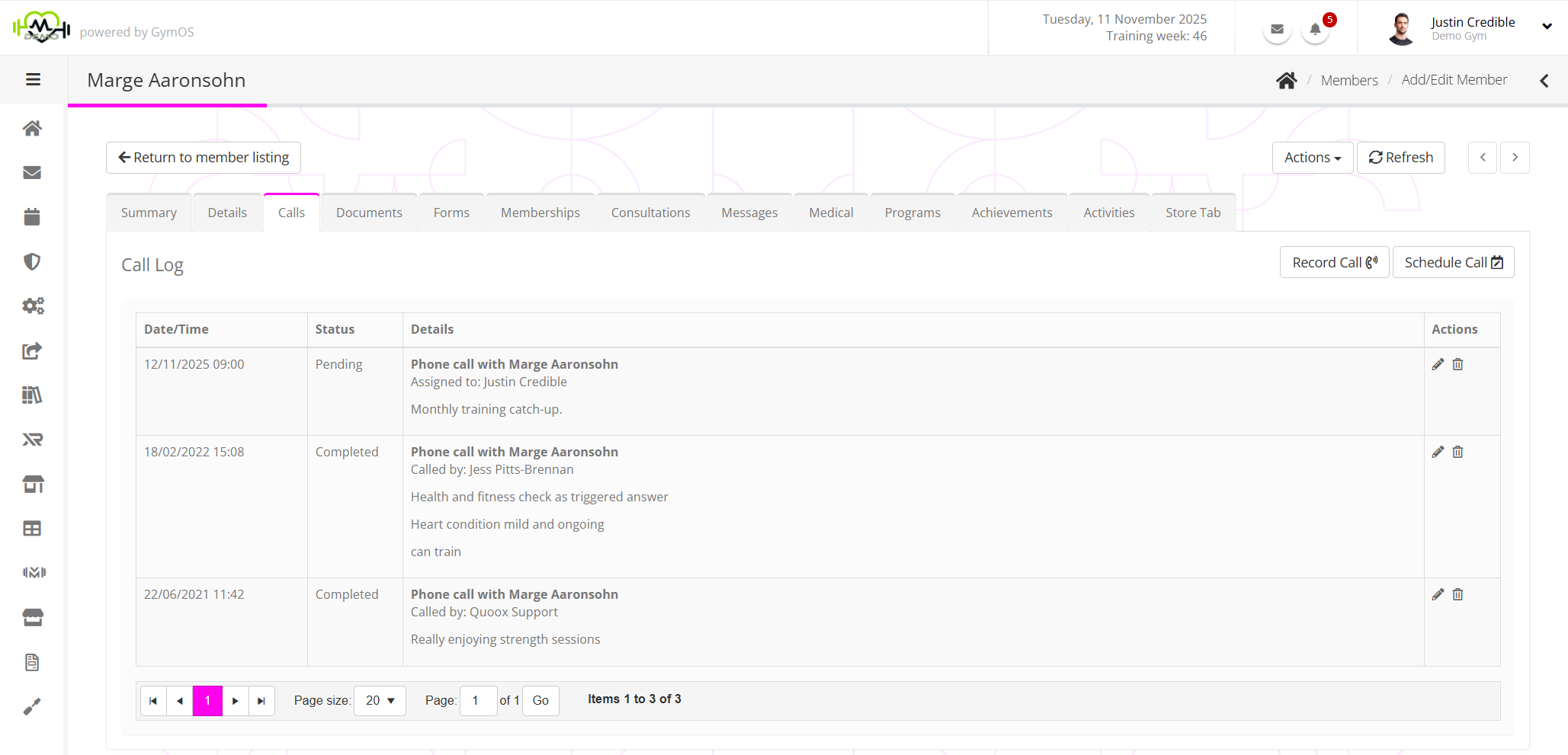
The call log page lists both future calls that have been scheduled and past calls that have been completed. This listing is paginated and displayed in reverse chronological order, with the most recent event listing first.
Calls are a special type of task/assignment, and assignees are alerted of scheduled calls in the same manner as other assigned tasks.
Recording or scheduling a call
You may record a call by clicking the Record Call button. Future calls are scheduled by clicking the Schedule Call button, or through an automated process, such as a nurture program or a trigger.
Further details of this process are detailed here.