
Mobile App: Adding a Payment Card
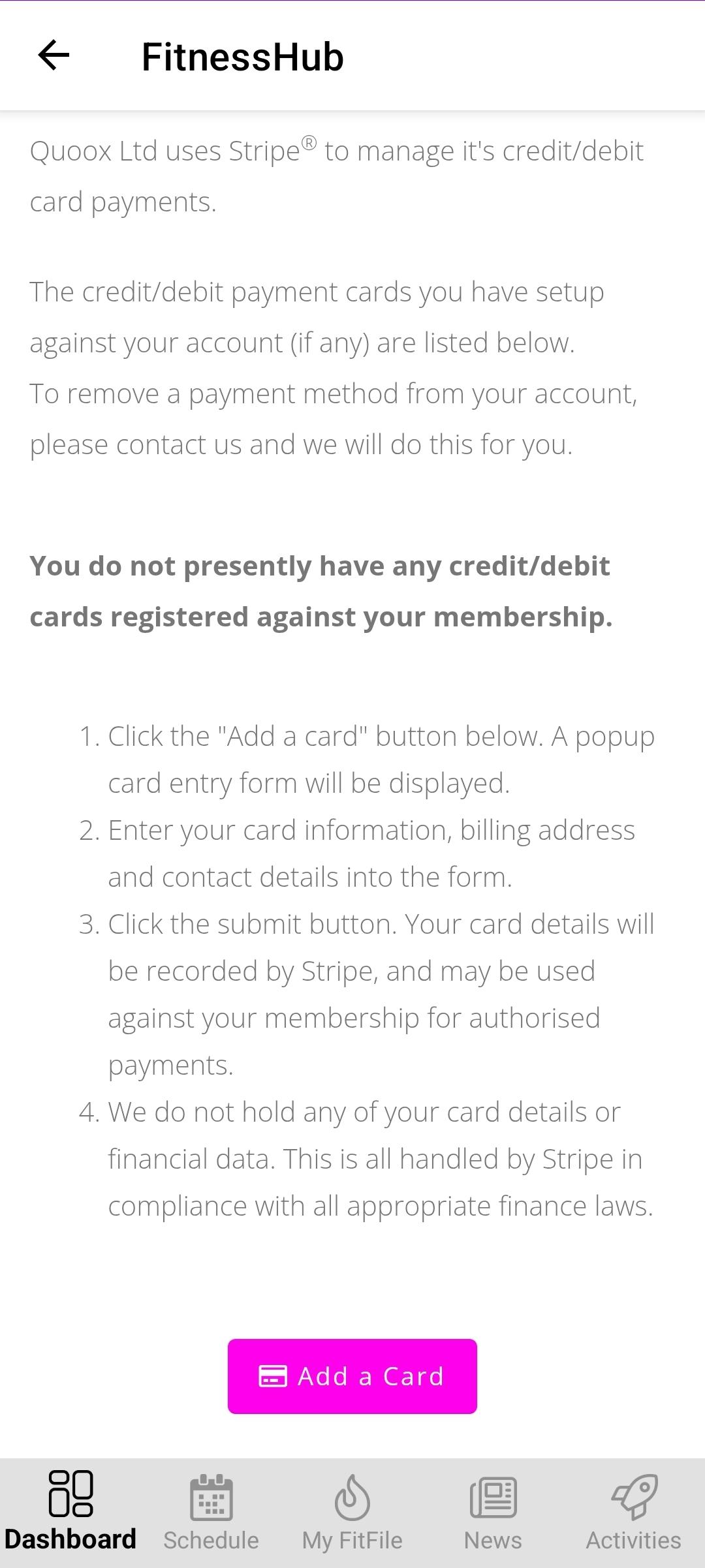
How to Add a Payment Card
Members can add a new payment card to their account for use with future payments such as membership fees, session fees, or adhoc charges. This can be done directly through the mobile app.
Adding a Payment Card
To add a payment card, the member should follow these steps:
- From the Dashboard, tap the cog icon in the top-right corner.
- Select My Account from the menu.
- On the My Account screen, scroll to the bottom of the list.
- Tap the Add a Payment Card option.
- The member will be taken to a new page where they can tap Add a Card
- The member can then enter their card details, including the card number, expiry date, and security code.
- Once completed, the member should tap on create so that it becomes available for future payments.
The newly added card will then be stored securely and can be used whenever required.