
Mobile App: Booking History
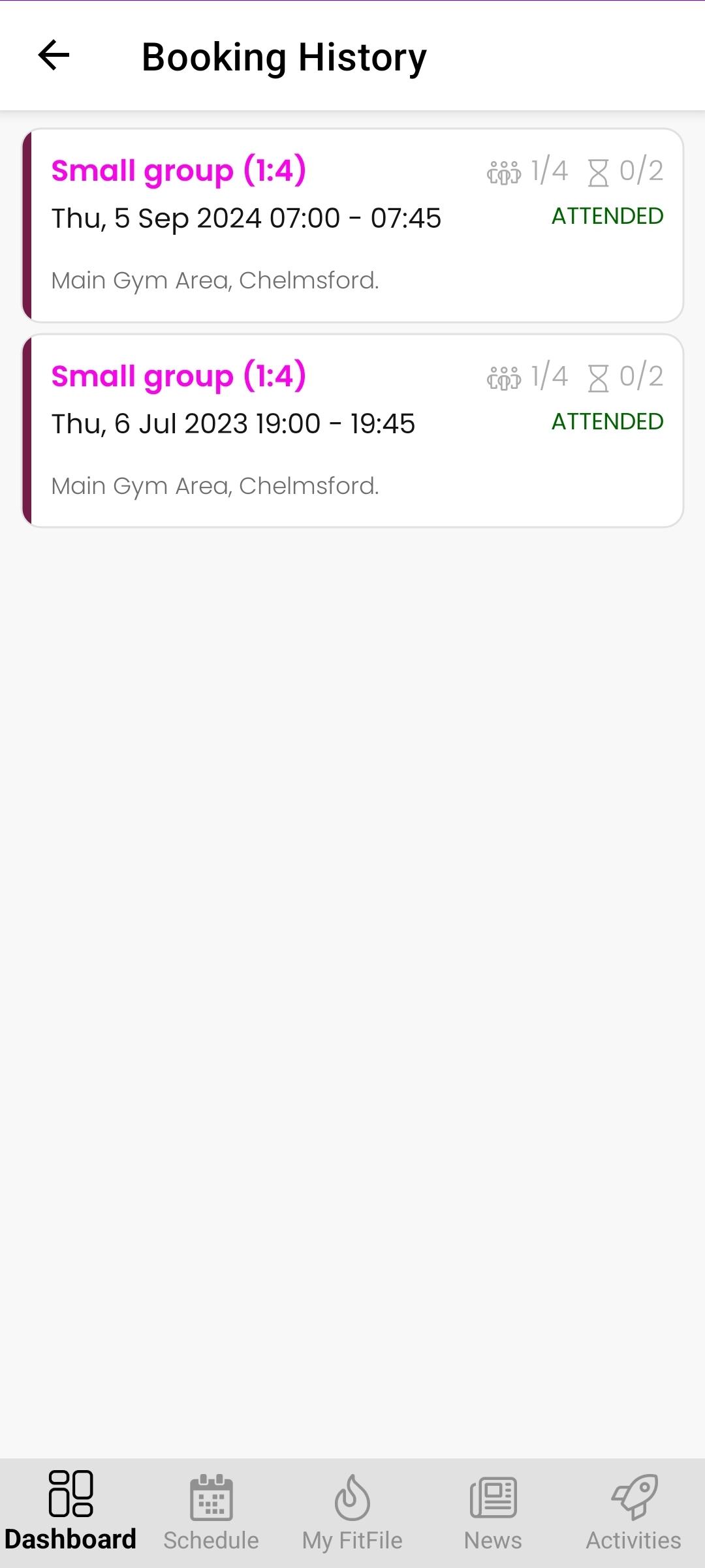
See My Booking History (My FitFile)
Members can view a full record of their previously booked sessions directly within the app. This section provides a clear overview of past activity and attendance.
Accessing Booking History
To view booking history, the member should:
- From the Dashboard, tap the cog icon in the top-right corner.
- Select My Account.
- Tap Booking History.
Viewing Past Bookings
Once opened, the screen will display a list of all previously booked sessions. Each entry shows:
- The session name
- The date and time of the session
- The number of people booked onto that session
- The venue that the session was held at
This allows the member to easily review past sessions and attendance history.