
Mobile App: Seeing Your Recognition Badges
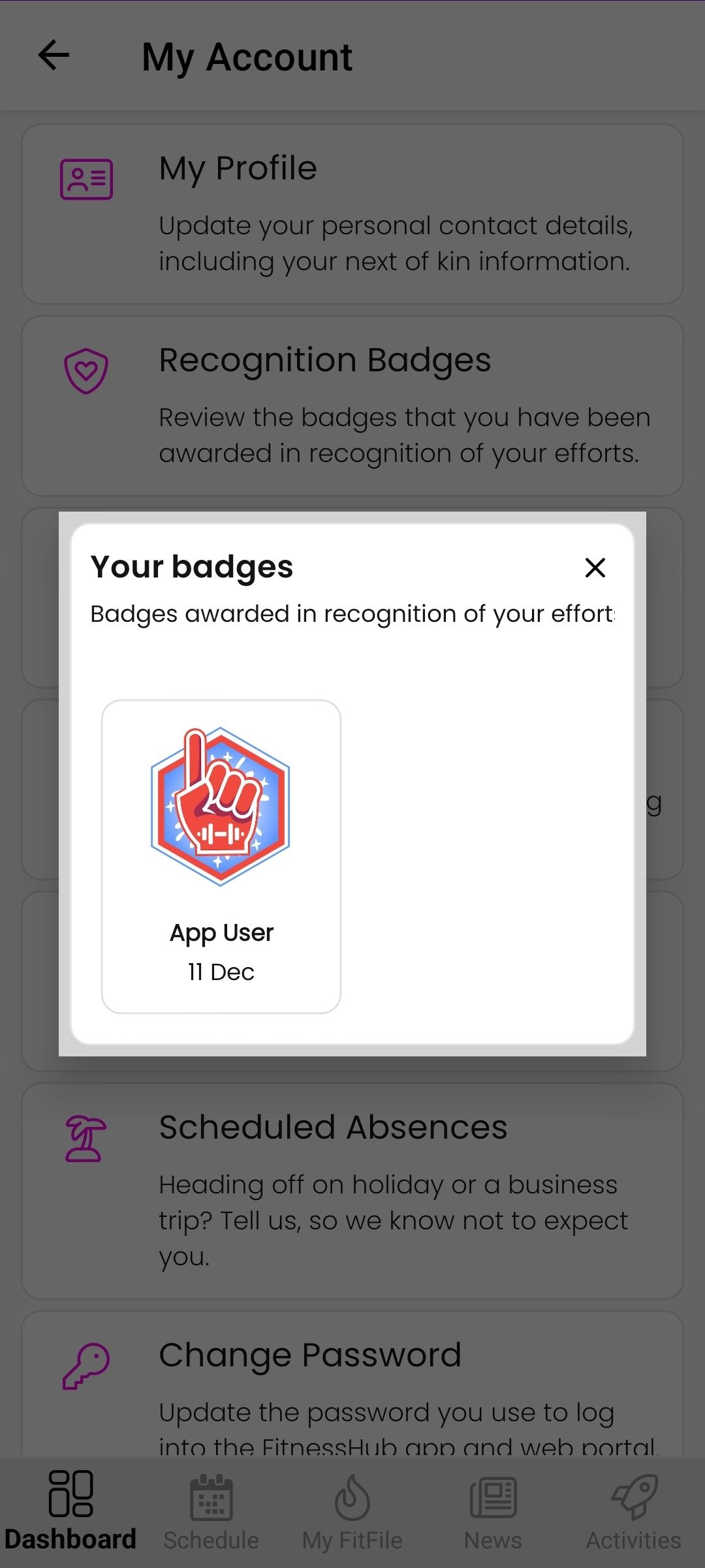
Seeing Your Recognition Badges
Members can view all recognition badges they have been awarded directly within the app. This section provides a clear overview of achievements and milestones recognised by the gym.
Accessing Recognition Badges
To view recognition badges, the member should follow these steps:
- From the Dashboard, tap the cog icon in the top-right corner.
- Select My Account.
- Tap Recognition Badges.
Viewing Awarded Badges
Once opened, the member will see a list of all recognition badges they have received. Each badge displays:
- The badge name
- The date it was awarded
This allows the member to track their achievements over time easily.