Viewing scheduled broadcast statistics

You may view the statistics for a scheduled broadcast sent by email for up to 90 days after its dispatch.
To view the statistics, click the Show Sent button on the scheduled broadcast listing. Click the icon alongside the sent broadcast for which you wish to see the statistics. This will open the view page, as below.
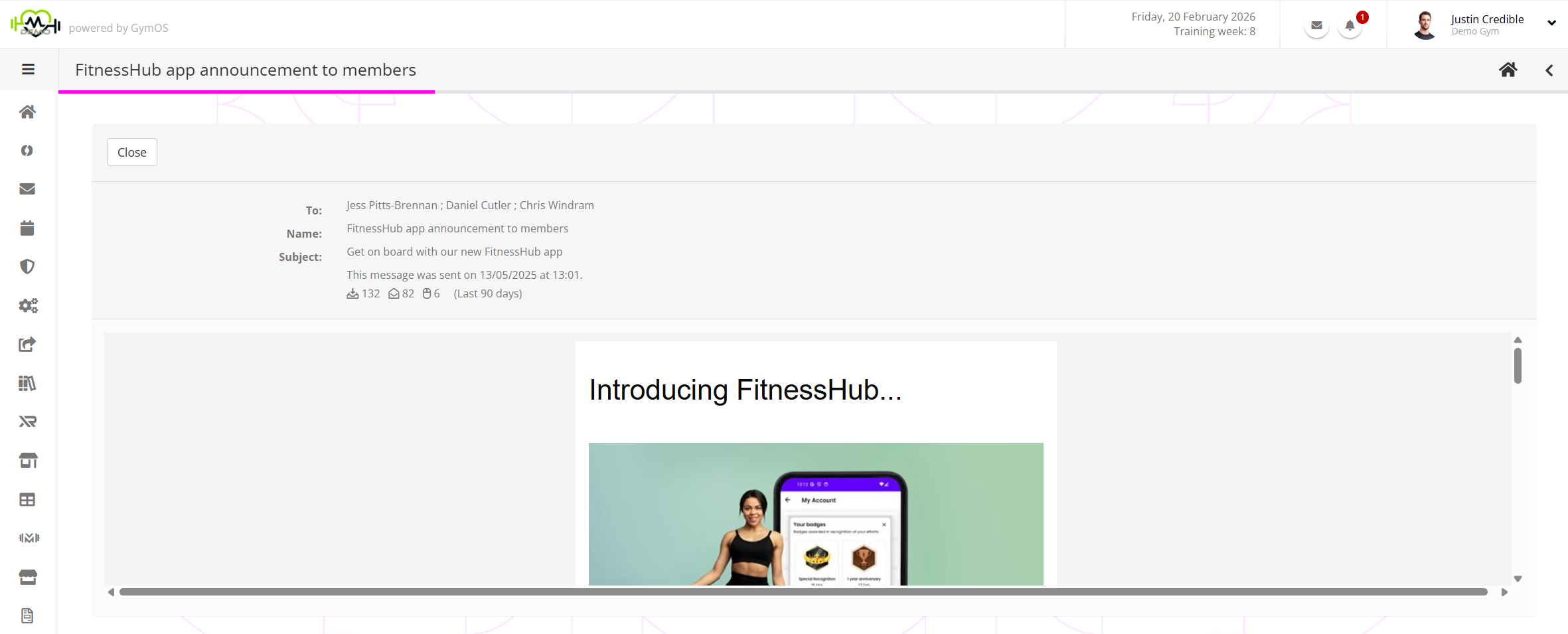
In the information panel for the broadcast, you will be able to see the dispatch statistics:
- – The number of messages that were sent. This number is reliable.
- – The number of messages that were opened. This number should be taken as a rough indicator (see below).
- – The number of clicks that were received on links within the email message. This number is reliable.