
Open shifts
Open Shifts is a tab within the Shift Manager.
An “open shift” is a shift that has been scheduled but does not yet have an employee assigned to it. This is a potential vulnerability for your business: you have identified a resource requirement that has yet to be filled.
Open shifts within the next 3 calendar months are displayed on the Open Shifts tab.

The shifts are displayed in ascending chronological order, with the time, venue and roll displayed.
You may allocate a shift to an employee by clicking the Allocate Shift button and selecting the desired team member from the pop-up window.
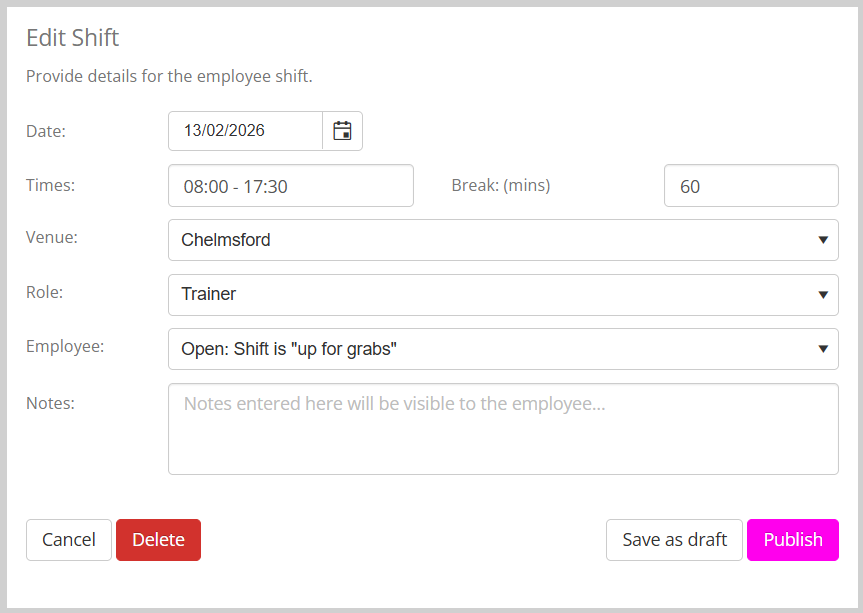
Click the Publish button to commit the allocation.