
FitnessHub: Home Page
FitnessHub Home Page Overview
The Home Page of the FitnessHub site provides members with quick access to key information, navigation options, and important gym resources.

Header Information
At the top of the page, in the top-left corner of the header, the member may see:
- The gym’s Enquire button
- The gym’s Register button
In the top-right corner of the header, the member will see:
- The gym’s email address
- The gym’s telephone number
Directly beneath this, the main navigation menu is displayed.
Navigation Menu
The navigation menu includes the following options:
- Home – Returns the member to the homepage.
- Schedule – Allows the member to view the gym’s session schedule.
- My FitFile – Enables the member to complete tracking metrics, view and complete assigned forms, and manage their buddies.
- Documents – Allows the member to view any documents assigned to them and upload their own documents if required.
- Store – Directs the member to the gym’s online store where they can purchase merchandise, buy ad hoc credits, and memberships.
- News – Displays articles and blog posts published by the gym.
- My Account – Allows the member to view and update personal information, current memberships, booking history, and manage payment methods.
Contact Details & Additional Links
At the bottom of the page, the footer provides additional contact and navigation options.
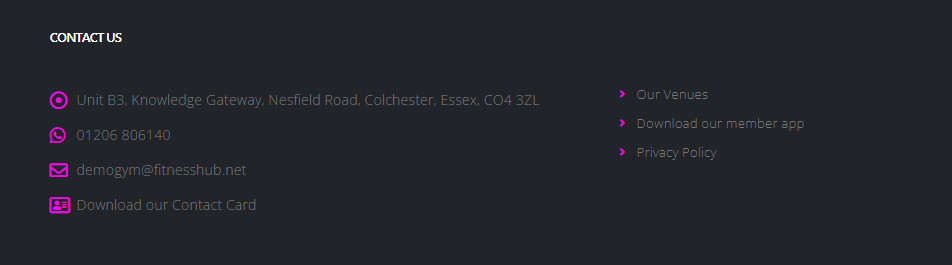
Contact Details
The footer includes:
- The facility’s address is a clickable link that opens Google Maps.
- The telephone number, which can be tapped ot clicked to initiate a call.
- The email address, which opens a new email message when selected.
- A Download Contact Card link, which allows members to quickly save the gym’s contact details to their device.
Additional Links
The footer also includes:
- Our Venues – Takes the member to a page listing the gym’s various venues, including contact information and a downloadable contact card for each specific venue.
- Download Our Member App – Directs the member to a page where they can choose between the Google Play Store or the Apple App Store version of the mobile app.
- Privacy Policy – Links to the gym’s privacy Policy Information.