
FitnessHub: How to Log In
How to Log In
Members can log in to the FitnessHub site quickly and securely using the navigation menu.
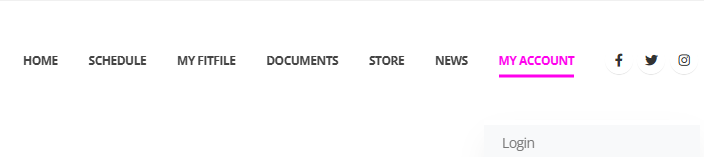
Accessing the Login Page
To begin, the member should:
- Hover over My Account in the main navigation menu.
- Select Login from the dropdown options.
This will take the member to the login screen.
Entering Login Details
On the login page, the member will need to enter:
- The email address used when signing up
- Their password
These are the same login details used for accessing the mobile app.
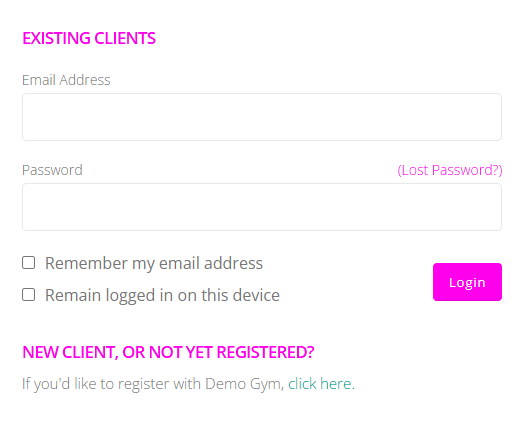
Login Options
Members also have two additional options available:
- Remember my email address – This saves the email address on the device, reducing the need to re-enter it each time.
- Remain logged in on this device – This keeps the member logged in, so they do not need to sign in each time they visit the FitnessHub site on that device.
Once the details have been entered, the member can proceed to log in and access their account.