
FitnessHub: Forgotten Password
Forgotten Password
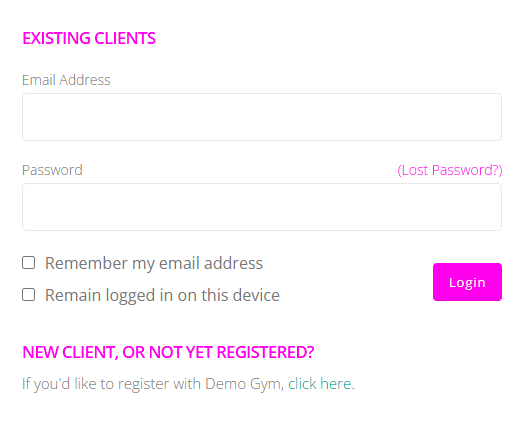
If a member attempts to log in and sees the message “You have entered an invalid username and/or password” or if the member has forgotten it, it can be reset directly from the login screen.
Resetting a Password
To reset a password, the member should:
- Select the Lost password link on the login page.
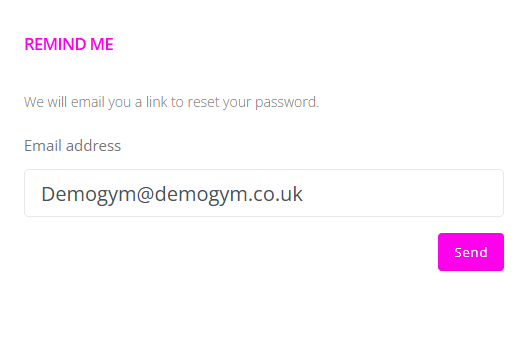
- Enter the email address used to log in to FitnessHub.
Once the email address has been submitted, the member will receive an email containing a link to reset their password.
Completing the Reset
The member should:
- Open the password reset email
- Select the reset link provided
- Follow the on-screen instructions to create a new password
Once the password has been successfully updated, the member can return to the login page and sign in using their new credentials.