
FitnessHub: XRcize™ On-Demand
The XRcize™ On-Demand section provides access to structured online and home training programmes that have been assigned to the member by the gym.
Accessing XRcize™ On-Demand
XRcize™ On-Demand can be accessed in two ways:
Option 1: From My FitFile tiles
- Select FitFlix (Including XRCize) from the tiles.
Option 2: From the navigation menu
- Hover over My FITFile in the main navigation menu
- Select XRcize™ On-Demand.
The member will then be taken to the XRcize™ On-Demand page.
Filtering Programmes
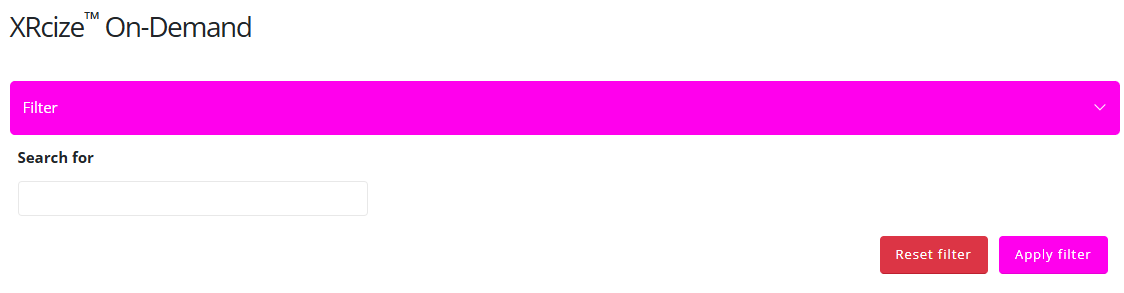
At the top of the page, the member will see a filter section, which includes a search field.
- The member can enter the name (or part of the name) of a specific programme they have been assigned.
- To apply the search criteria, click the pink Apply Filter button.
- To clear the search criteria, click Reset Filter.
Programmes matching the applied filter will then be displayed.

Viewing a Programme
To open a programme:
- Locate the assigned programme.
- Click the pink View button.
The member will then be taken to a programme overview screen, which includes:
- General information about the programme
- A video that may provide an introduction or overview of what the programme involves

Starting or Browsing a Session
The member will have two options:
- Browse Session – Allows the member to review the exercises within the session without starting it.
- Start Session – Begins the session, allowing the member to progress through it step by step.
Once started, the member can work through the session as structured within the programme.