
Bulk assign a credit pack to members
From time to time, such as when updating your membership structure, you may need to bulk assign credit packs to members. You may do this on an individual basis as detailed here, or in bulk as below.
To bulk assign credits to a group of members:
- Go to Credit Packs from within the Settings section of the main menu.
- Click the Bulk Assign button. This will open the bulk credit assign popup window.
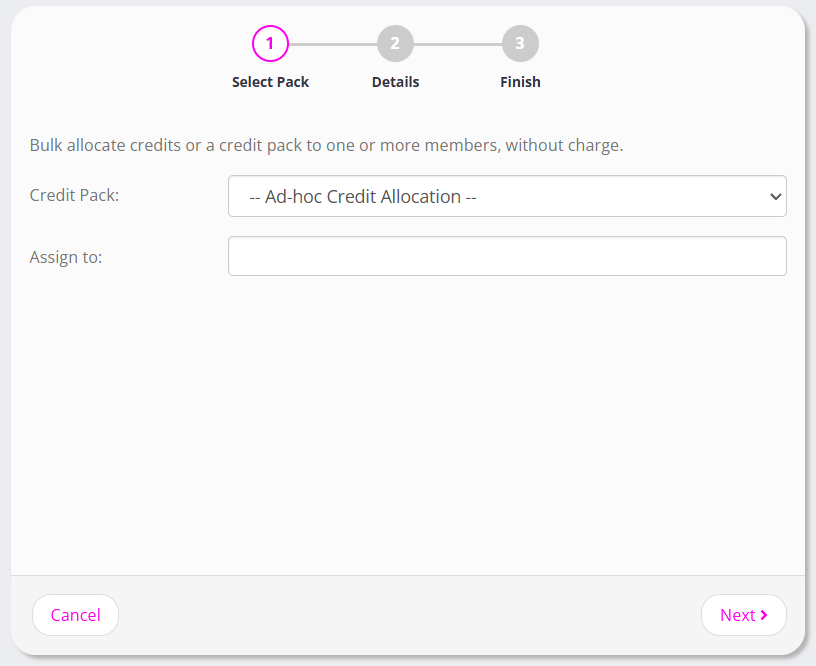
- From the Credit Pack drop-down, select the credit pack that you wish to assign.
- From the Assign to box, enter the name of individuals or groups to whom you wish to assign the credit pack.
- Click Next
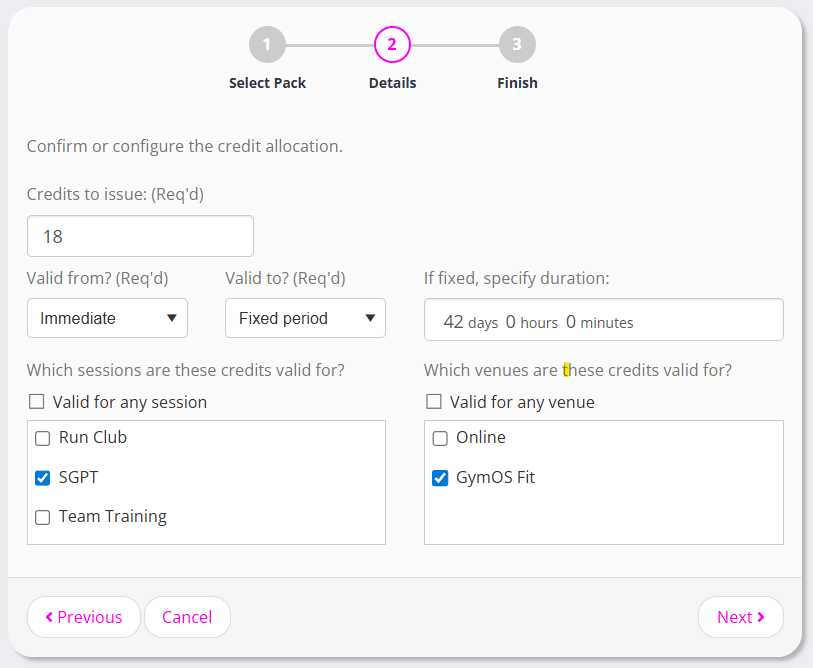
- Revise the credit pack configuration as you need.
- Click Next
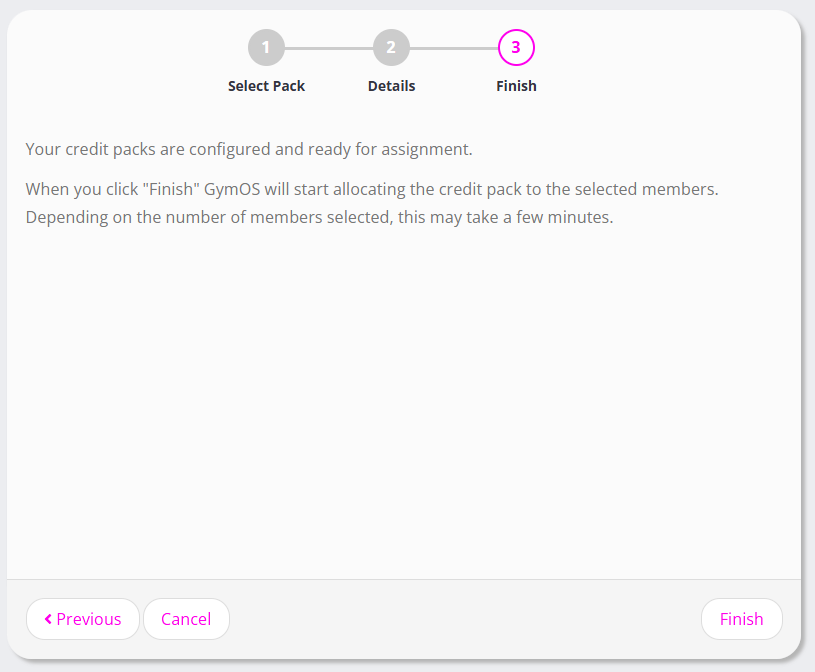
- Click Finish
The credit pack assignment process will commence in the background. Depending on the number of people you have selected, this may take a few minutes.