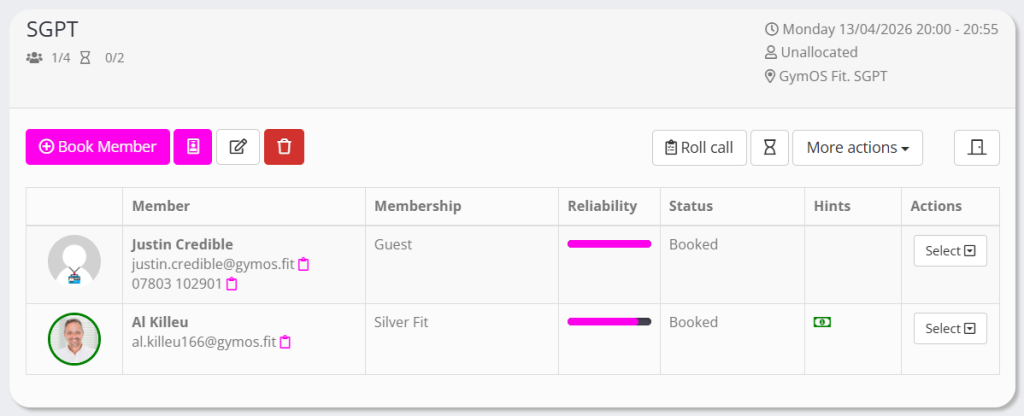
Booking a guest attendee onto a session
Whilst you will generally be dealing with registered leads and members, there may be occasions when you want to book a “guest” onto a session. This may be accommodated via the administration portal.
To book a guest on to a session:
- Navigate to Schedule from the main menu.
- Navigate to the date/time of the session for which you wish to book the member.
- Either double-click on the session or right-click and select View/Edit Bookings from the menu.
- Click the book a guest button.
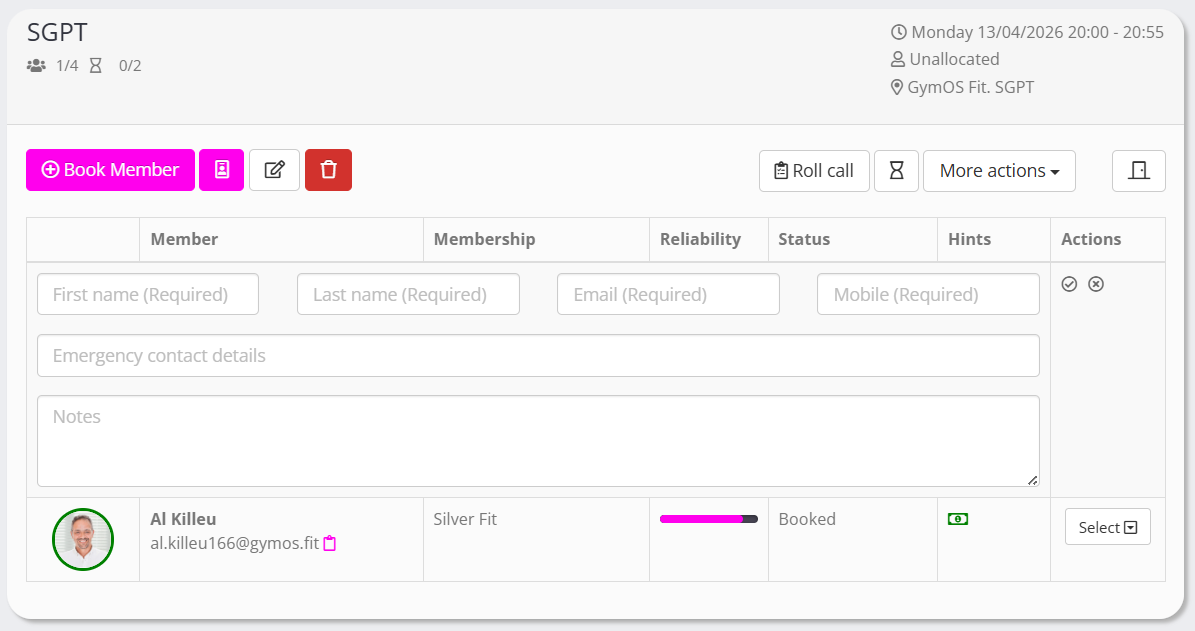
- Enter the details for the guest in to the fields provided.
- Click the button to confirm the guest, or to abort.