
Skip to content Skip to main navigation Skip to footer
Loading GymOS audio player...

Widget: Recent Toast Notifications

The Recent Toast Notifications provides a simple list of the most recent toast notifications that were raised on a given day.
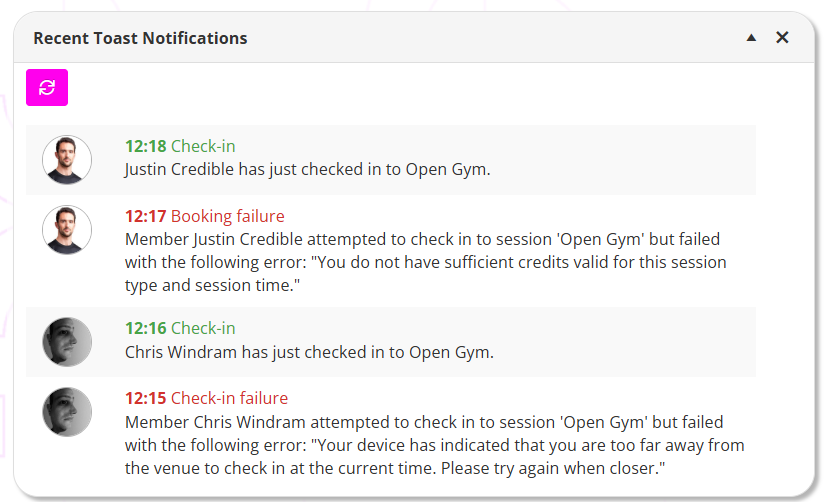
The list is shown in reverse chronological order, with the most recent message displaying first.

Each notification shows:

  • The time of the message
  • The message title
  • The message body
  • The avatar of the member, where applicable and available

Clicking the button will refresh the listing.

The listing also refreshes when a pop-up toast message disappears or is dismissed.

Alphonso Wolfe

Popup toast duration

Green (OK) and Yellow (Warning) toast messages display for a few seconds and then disappear automatically. Red (Alert) toast messages remain displayed on the screen until you dismiss them, or until you move to another page.

Toast messages are displayed only when they occur. Missed messages can be viewed in this widget. If multiple messages trigger at the same time, they are queued and displayed one after another.

Related Articles