
Creating a member-linked staff notice
For most gyms, it isn’t practical to tell every staff member something important about a member, such as information about a recent, close bereavement. This is where member-linked staff notices can come in handy. They create a staff notice that is displayed in the dashboard widget and linked through to the member record.
To create a member-linked staff notice:
- Navigate to the individual’s member record.
- Select Add Staff Notice from the Actions drop-down at the top of the member record.
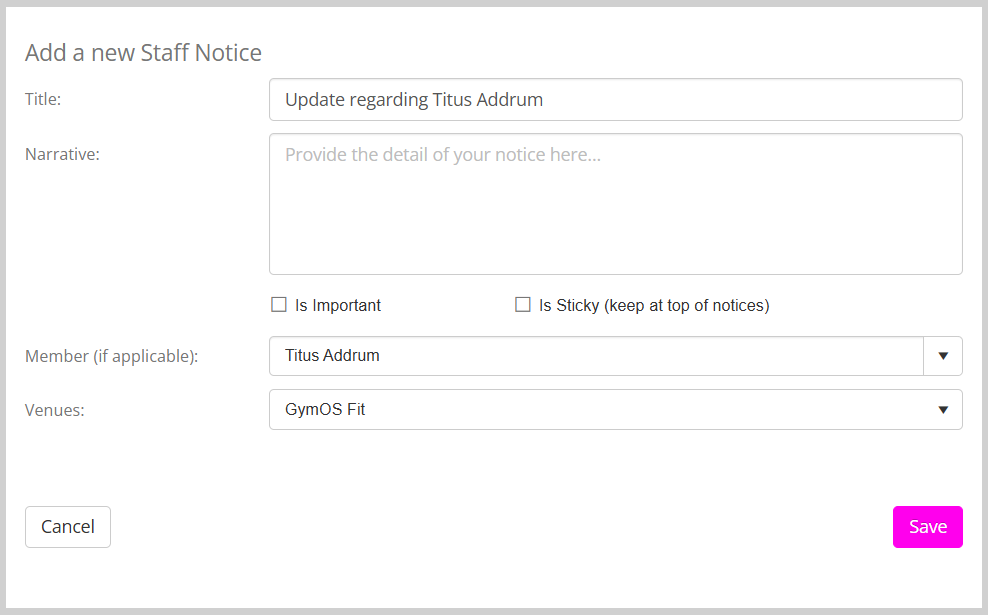
- Complete the information requested in the pop-up staff notice form. The Is Important and Is Sticky options may be used to give additional prominence to the notice.
- Click Save to create your staff notice.