Member journey point
Assigning a member a journey point is an easy and powerful way to know where a member is in their lifecycle with your facility.

A journey point is a configurable list of options that may, for example, cover the entire range from “Trialist” to “Lapsed Member”. There can be as many or as few options as you wish, and the naming convention is entirely under your control.
Configuring journey points
Journey Points are a list, configurable in Settings Lists and Groups Journey Points for members.
The list is administered in the usual manner, as per other lists and groups.
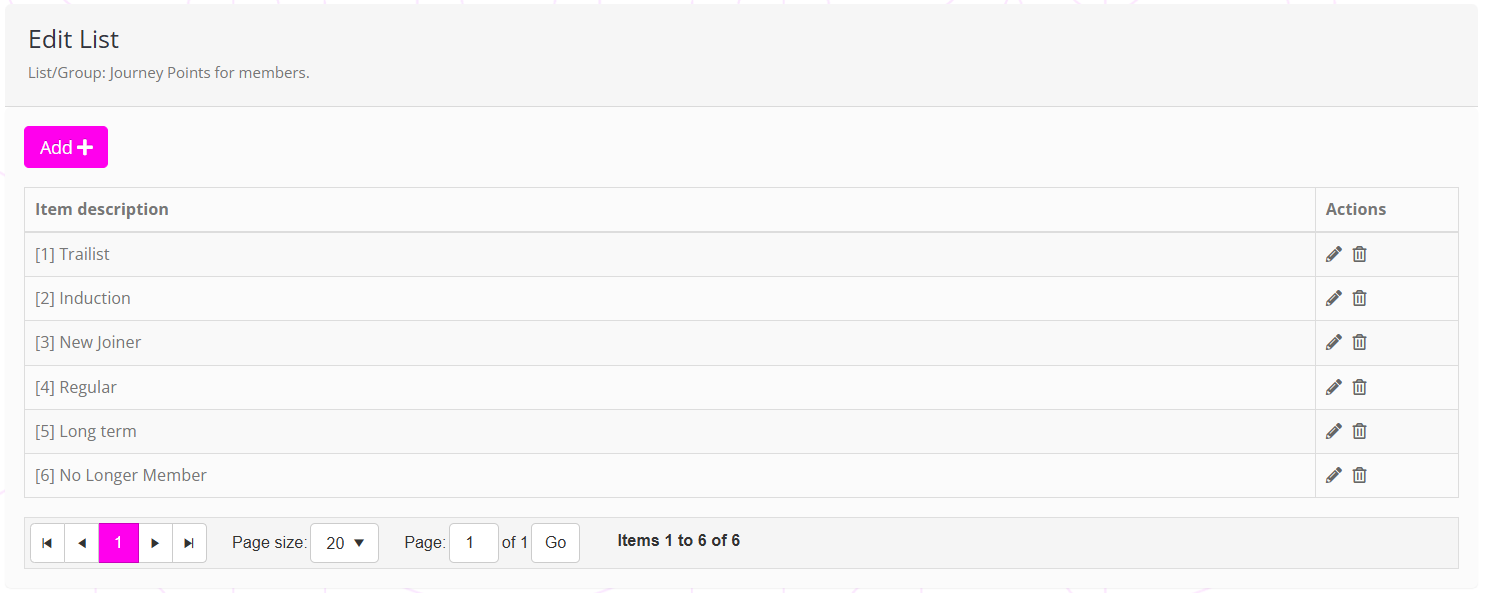
The “list ordering trick” can be employed for the journey point list, whereby the list item is prefixed by a number in square brackets ([]). This tells GymOS the order in which to display the journey points in the drop-down list.