Viewing recent store transactions
Sometimes you might need to quickly check if a member has been charged for something. If it was within the last 24 hours, you can readily find this information within the store itself.
From within the Store, accessed from the main navigational menu, press the My recent transactions button.
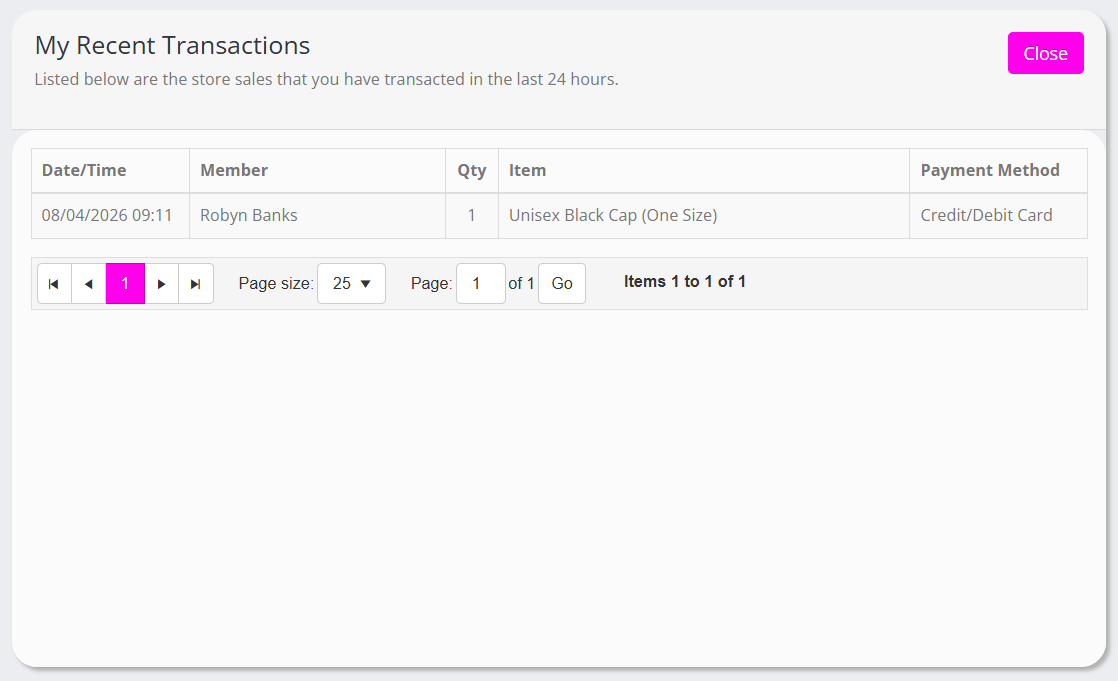
A pop-up window will open, showing the transactions processed through the admin portal store function in the last 24 hours.