Assigned mentor
You may assign a mentor to a member on the summary tab of the member record.
A mentor is an employee within the GymOS system who is assigned additional responsibilities or duties regarding a specific member or group of members. This assignment can be utilised by various functions within the GymOS system, including Triggers, DropSlot, and others.
Assigning a mentor

Mentors are typically assigned by selecting the corresponding coach from the drop-down list of employees on the summary tab of the member record. The change takes effect immediately, and there is no save button (or equivalent) that needs to be pressed.
It is also possible to use the bulk action functionality and assign a mentor trigger action to allocate a mentor to a member.
Mentor nomenclature
For members using the GymOS FitnessHub app or Member Portal, any references to their “mentor” will use the “mentor” naming convention.
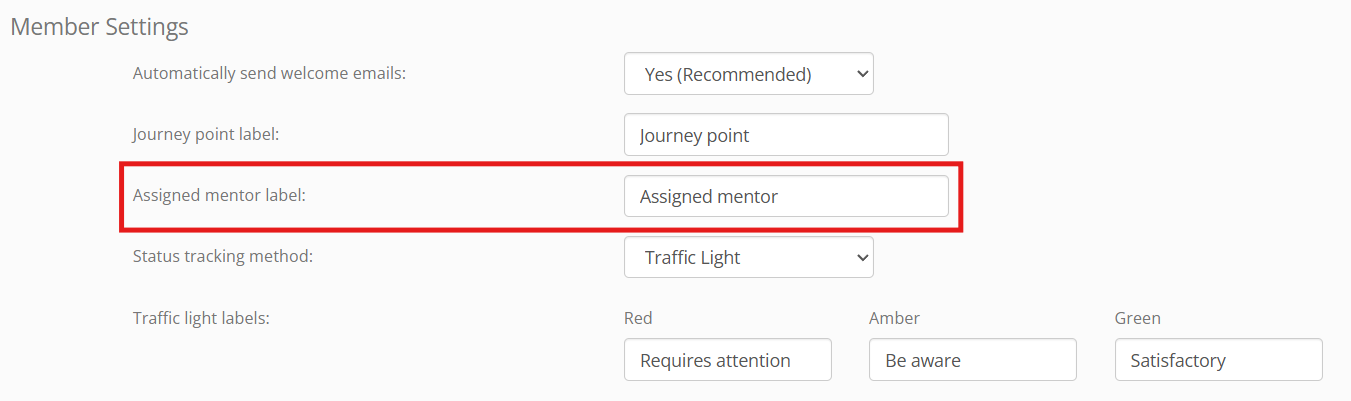
However, in the administration portal, it is possible to change the wording “assigned mentor” to your preference. This is done within the Member Settings of the Settings section of GymOS. Change the value for Assigned mentor label.