
Guesthub: Consultations
The GuestHub Lead Portal provides leads with a simple, branded way to manage their DropSlot® consultations and appointments online, without requiring access to the member portal.
From GuestHub, leads can view pending invitations, make or cancel bookings, and join online consultations directly from their browser or device.
All activity syncs automatically with GymOS, ensuring the sales team has full visibility of lead interactions and conversions.
Accessing GuestHub
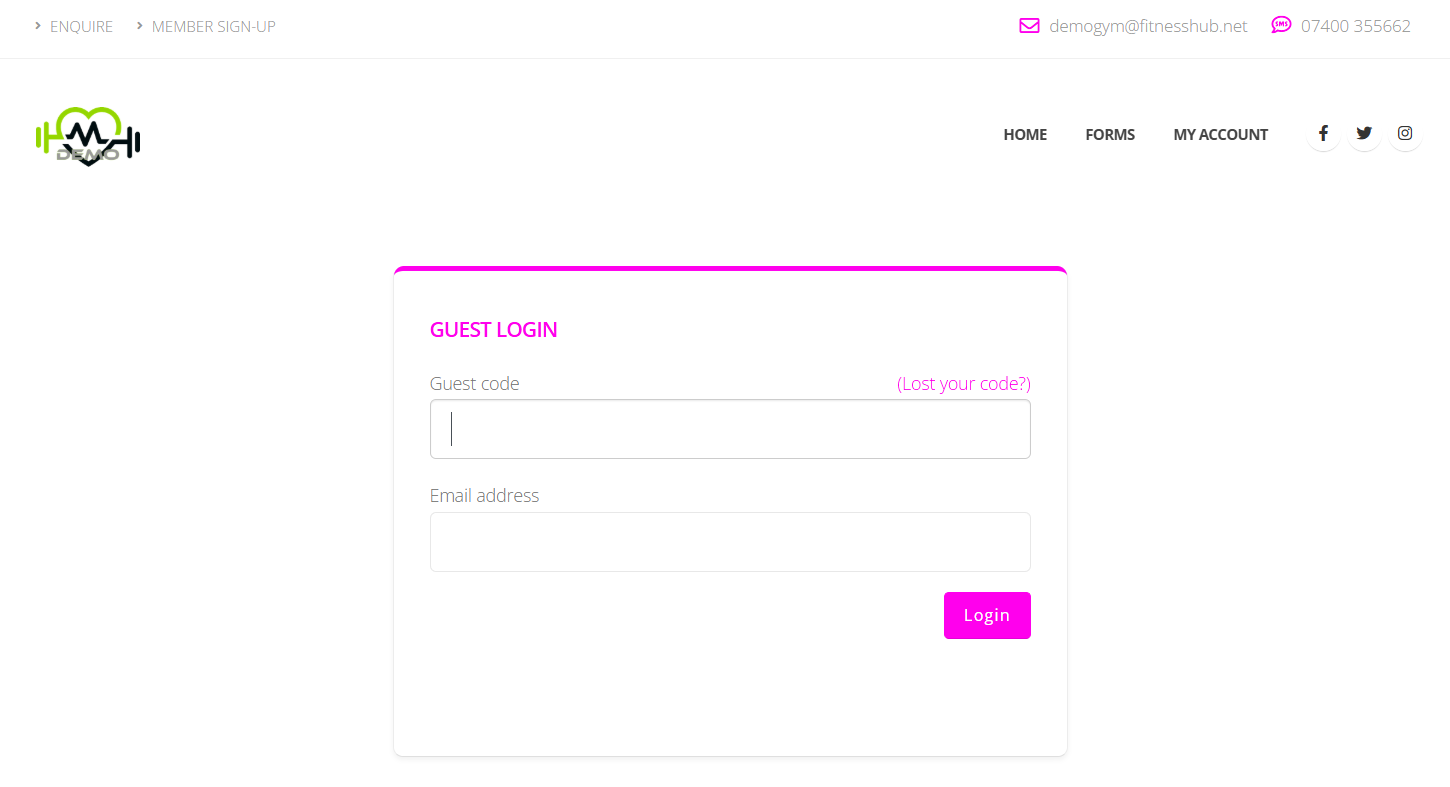
Leads can access GuestHub via the FitnessHub site by navigating to the /guest/ section, or through the secure link provided in their invitation email or SMS.
If a lead follows a personalised login link, the system bypasses standard authentication and takes them directly to their consultation dashboard.
Alternatively, the lead can enter their email address to verify their identity and access their account.
Viewing Consultations & Invitations
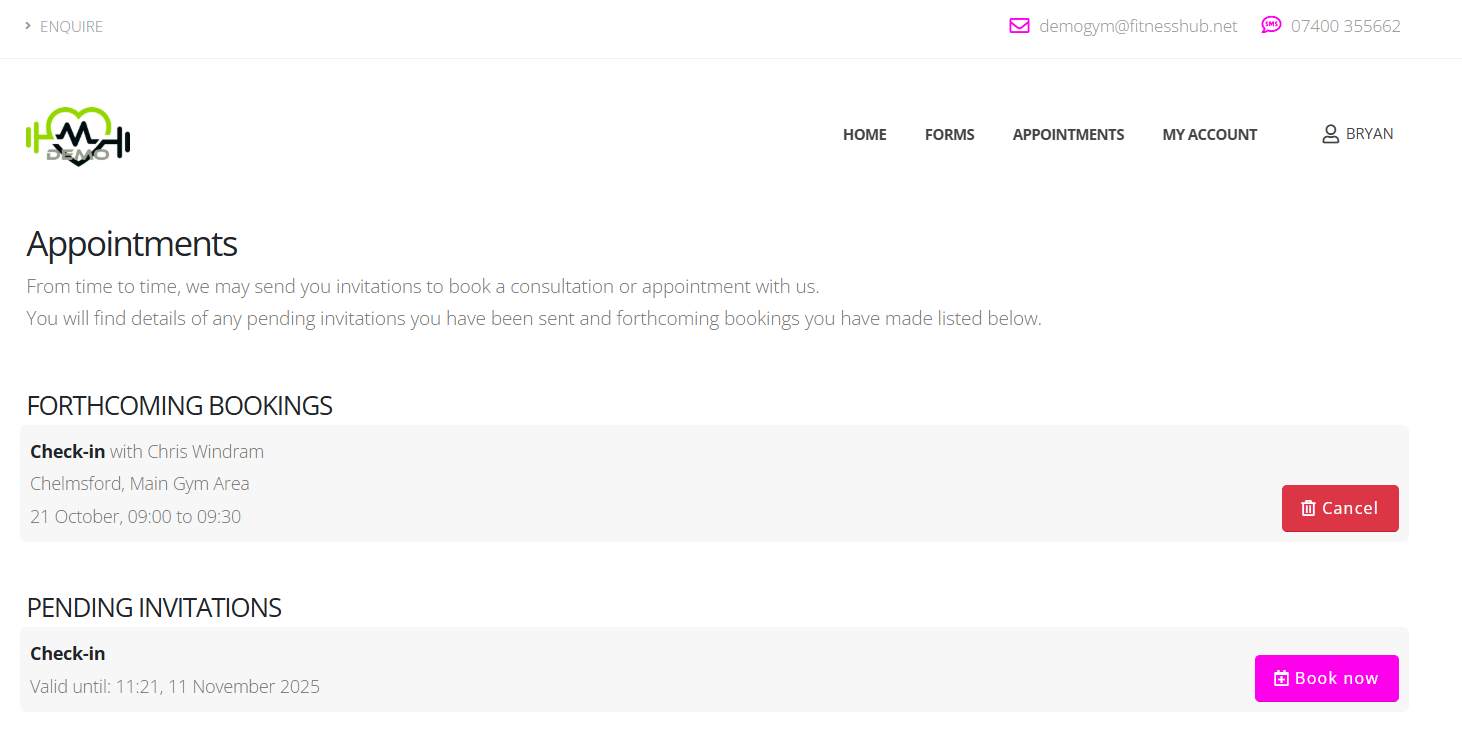
Once logged in, leads will see an Appointments section, which lists all forthcoming bookings and pending invitations.
Each entry clearly displays:
- Consultation type or title (e.g. Introductory Consultation)
- Date and time
- Host or coach name
- Location or online meeting link
This layout is consistent with the FitnessHub member view, ensuring both staff and leads have a familiar experience.
Making a Booking
Leads follow a similar process to members when booking a consultation:
- Select a date – available dates are highlighted.
- Choose a time – only valid, real-time availability is displayed.
- Answer optional questions – if the consultation includes form questions.
- Confirm – a confirmation screen and email are generated instantly.
GymOS automatically associates the booking with the lead’s record, updates staff schedules, and (if configured) triggers follow-up workflows or reminders.
Cancelling a Booking
Leads can cancel a booking directly within the GuestHub portal or by clicking the cancellation link in their confirmation email.
A short confirmation step helps prevent accidental cancellations.
Upon cancellation:
- The slot becomes immediately available for rebooking
- Hosts are notified within GymOS
- The lead remains visible in the CRM history for tracking and follow-up
Joining Online Consultations
For consultations delivered online (e.g. Zoom), GuestHub automatically displays a “Join Now” button shortly before the appointment start time.
Leads can join via:
- The Join Now button within GuestHub
- The join link in their confirmation or reminder email
GymOS automatically opens the relevant online meeting room, ensuring both host and attendee are connected securely and on time.
Integrated Lead Management
Every booking, cancellation, and attendance status recorded via GuestHub syncs directly with GymOS.
This provides the sales and coaching teams with a real-time view of:
- Lead engagement and responsiveness
- Completed and missed consultations
- Conversion opportunities for follow-up
By capturing all consultation data in one system, the need for external scheduling tools or manual note-keeping is removed, keeping the lead pipeline accurate and up to date.