
Creating a member-linked task/reminder
In addition to generic reminders and tasks, you can create member-linked reminders and tasks. These may be assigned to individual team members or team groups. They may also be flagged in processes such as roll call.
An example usage might be to advise that “new payment details are required, and that membership payment is overdue”.
To create a member-linked task/reminder:
- Navigate to the individual’s member record.
- Select Add a task/reminder from the Actions drop-down at the top of the member record.
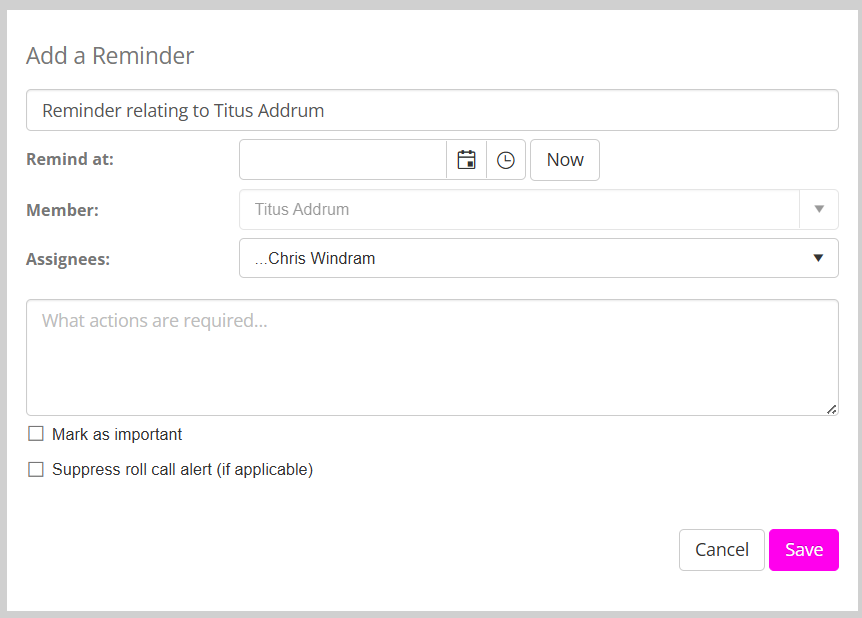
- Complete the information requested in the pop-up reminder form. You may use the Mark as important option to draw additional attention to the reminder. Clicking Suppress roll call alert will prevent the alert from being shown in roll-call.
- Click Save to create your reminder/task.