Widget: Send an Instant Push Broadcast
Sending a push message to all of your members is effortless using the Send an Instant Push Broadcast widget. It is great for those scenarios like “There are currently roadworks on Main Road on the way to the gym, so allow extra time.”
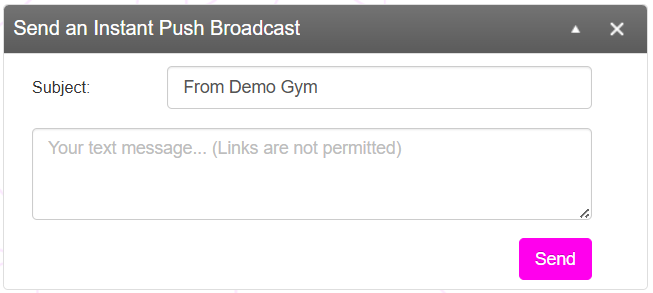
To send a message:
- Optionally change the Subject line to something more specific.
- Enter your message body.
Note: Push messages are strictly limited in length and should be concise. Push notifications cannot contain hyperlinks, as this is not something supported by Push messaging. - Press the Send button.
Your message will immediately be sent to the Google FCMv1 and Apple APNS networks for distribution. Typically push messages arrive within a few seconds, but may be longer if there is a backlog in the push network or if the recipient is out of service.