
The employee record
The employee record is where information regarding a given staff member is stored and accessible. It provides access to the employee’s configuration and carries through to functions throughout the GymOS system.
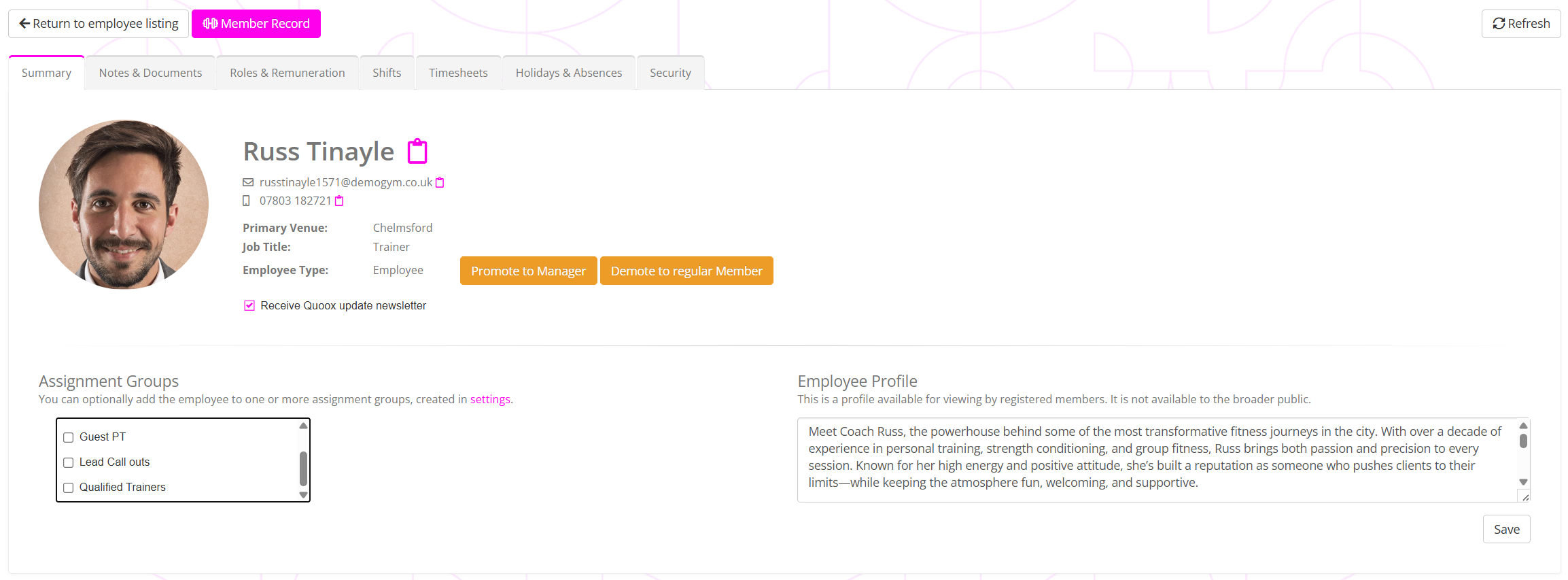
To organise the information available within the employee record, it is broken down into “tabs”. Each tab contains a set of related information, and may be selected by clicking on the tab title.
Record tabs
The record tabs and a summary of their content is provided below.
- Summary
The summary tab provides a high-level overview of the employee record and provides access to profile configuration. - Notes & Documents
Documents, notes, and incidents and other ad hoc files associated with the employee. - Roles & Remuneration
The locations where the employee works, the roles they undertake, and the remuneration (pay) they receive for them. - Shifts
View and schedule shifts for the employee to work, and for which they may view and update timesheets. - Timesheets
View and update timesheets for employees, as well as set their timesheet options. - Holidays & Absences
Record employee absences, including holidays and sickness. - Security
Apply IP address security restrictions to where an employee may access their GymOS account from.